
UUNA TEK
iDraw H A3 펜 플로터 드로잉 로봇 펜 플로터 드로잉 기계, 다른 제품보다 300% 빠름
공유하기
픽업 가능 여부를 불러올 수 없습니다
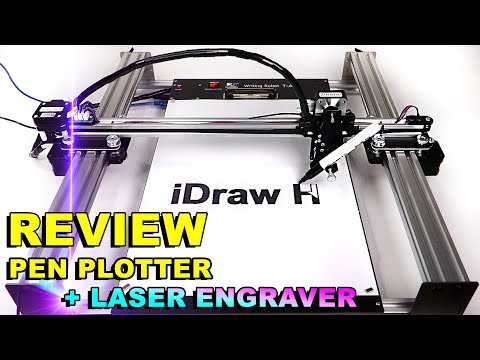
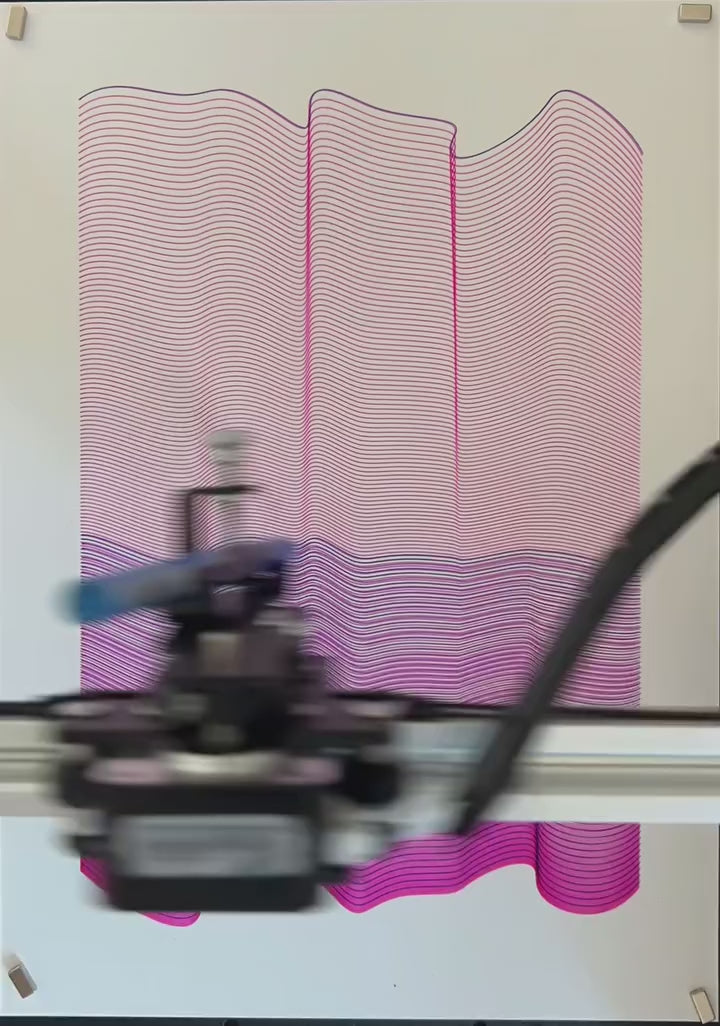
iDraw H A3 펜 플로터 드로잉 로봇 펜 플로터 드로잉 기계 필기 기계 서명 기계로 창의적인 프로젝트를 한 단계 끌어올리세요| UUNA TEK는 정밀도와 속도의 새로운 기준을 설정하기 위해 설계되었습니다. 세계에서 가장 빠른 필기 기계로서 동급 제품보다 300% 빠른 속도를 자랑하며, 탁월한 성능을 추구하는 예술가, 전문가 및 애호가들에게 최고의 선택입니다.
기본판이 포함된 버전은 현재 품절임을 알려드립니다.
iDraw H A3란 무엇인가요?
- 최대 A3 크기(16.5 × 11.7 인치) 프로젝트 처리 가능
- 정밀한 도면을 위한 기계적 정밀도
- Inkscape, Lightburn 및 기타 SVG/JPG/PNG 형식과 호환
- 유연한 장착 옵션: 수평 또는 수직 설치 가능
이상적인 용도:
- 생성 예술과 서예를 창작하는 예술가들
- 프로토타입 또는 보조선을 설계하는 디자이너들
- 기술 도면을 가르치는 교육자들
- 가죽, 나무 또는 종이에 표시하는 장인들
왜 iDraw H A3를 선택해야 할까요?
- 손쉬운 대량 작성: 이메일 병합 및 Hershey 글꼴 지원, 편지, 초대장, 카드 작성에 적합
- 비교할 수 없는 속도: 최대 12,000 mm/분, 다른 A3 플로터보다 3배 빠름
- 정밀도: 0.01 mm X/Y 축 해상도
- 레이저 각인 (선택 사항): 다양한 재료에 적합한 0.5W – 15W 레이저 헤드
- 연결성: USB 또는 블루투스, Windows/Mac/Linux 호환
- 사용자 친화적 제어: UUNA TEK 2.0 Control로 전력, 속도 및 입력 형식 조절
Shipping, Warranty & Support
Free Worldwide Shipping
Delivered anywhere in the world at no extra cost.
30-Day Easy Returns
Hassle-free returns or exchanges within 30 days.
Lifetime Care Guarantee
Support for your machine for its entire lifetime.
Dedicated Customer Support
Help available via email, chat, or Zoom.
Free Personal Training
Learn to set up and use your machine easily.
주요 특징
-
범용 G-코드 호환성: 플러그 앤 플레이 정밀도
대부분의 디자이너, 서예가, 그리고 사업주분들에게는 이미 익숙한 도구와 원활하게 작동하는 시스템이 필요합니다. 저희 표준 제품 라인은 완전한 오픈 소스 G-코드 호환성을 제공하여, Inkscape(저희 독점 확장 기능 포함), LightBurn, 또는 Adobe Illustrator에서 벡터를 직접 가져와 툴패스를 생성하고 즉시 플로팅을 시작할 수 있습니다. 코딩이 전혀 필요 없으며, 순수하고 산업화된 손글씨 자동화만으로 가능합니다.
-
이메일 병합 및 허쉬 폰트 지원으로 손쉬운 대량 작성
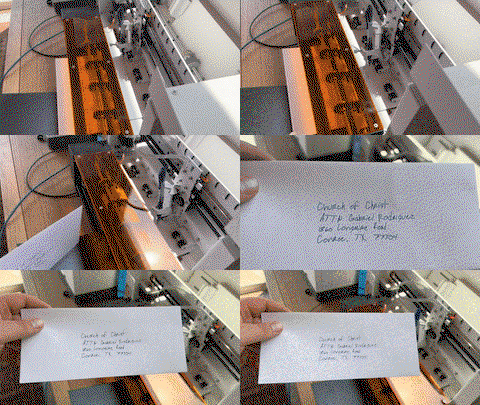
모든 UUNA TEK iDraw 펜 플로터는 편지, 봉투, 카드 및 초대장의 대량 작성용 이메일 병합을 지원합니다. 사람 손글씨처럼 보이는 Hershey 글꼴을 활용하세요.
-
비교할 수 없는 속도 - 다른 제품보다 3배 빠름
UUNA TEK H Version은 최대 12,000MM/MIN의 쓰기 속도로 게임의 판도를 완전히 바꾸며 경쟁 제품을 훨씬 앞서 나갑니다.
-
최첨단 기술
Drawcore V2.0 메인보드로 구동되며 GRBL 호환 펌웨어가 탑재된 이 제품은 혁신의 정점을 나타냅니다.
-
정밀함의 재정의
Y축과 X축 모두에서 최소 0.01mm의 해상도로 정밀한 기계적 정확성을 달성하여, 당신의 작품이 가장 세밀한 부분까지 정확하게 완성되도록 합니다.
-
다용도 레이저 조각
500mW부터 15W 출력 옵션까지 레이저 헤드를 선택할 수 있어 나무, 플라스틱부터 가죽, 종이에 이르기까지 다양한 재료에 조각할 수 있습니다.
-
직관적인 제어
UUNA TEK 2.0 Control 애드온으로 전력 비율, 조각 속도 및 입력 형식을 원활하게 관리하세요.
-
사용자 친화적인 연결성
USB 또는 블루투스를 통해 연결하여 Windows 7/8/10/11 이상, Mac OS, Linux 등 다양한 운영 체제에서 유연하게 사용할 수 있습니다.
접을 수 있는 내용
사양
- 메인보드: Drawcore V2.0
- 펌웨어: GRBL 호환
- 추가 기능: UUNA TEK 2.0 컨트롤
- 프레임 재질: 알루미늄 프로파일 + 강철 판
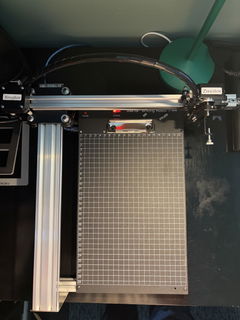
- 작업 영역: 420*297mm
- 모터: 4* 42 스테퍼 모터
- 기계 정밀도: Y:0.01 mm, X:0.01mm
- 레이저 출력: 500mW/1600mW/2500mW
- 조각 영역: 420*297mm
- 파장: 445±5nm
- 초점: 고정 초점
- 제어 모드: PWM
- 전력 등급: S0-S1,000
- 조각 속도: 0-5,000MM/분
- 쓰기 속도: 0-12,000MM/분
- 통신 속도: 115200 - 921600 (기본값: 115200)
- 입력 형식: JPG, JPEG, PNG, BMP, SVG 등
- 입력 전압: 110V-220V (호환 가능)
- 전원 어댑터 출력: 12V / 1A
- 작동 온도: -20℃-50℃
- 제품 크기: 525*570*160MM
- 순중량: 4-5KG
- 리미트 스위치: 있음
- 펜 조절 각도: 70-90도
- 연결성: USB, 블루투스
- 지원 운영체제 및 소프트웨어: Windows 7/8/10/11 이상(Inkscape), Mac OS (쓰기 및 그리기용 Inkscape, 레이저 조각용 Lightburn), Linux
포장 목록
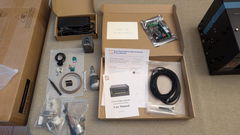
1 X UUNA TEK iDraw H A3 펜 플로터
*1 X A3 베이스 플레이트 (선택 사항)
1 X 도구 키트
1 X 빠른 시작 가이드
1 X 감사 카드
소프트웨어
Inkscape 소프트웨어와 다양한 파일을 여기>>>에서 다운로드하세요.
Windows, Mac, Linux용 소프트웨어와 하드웨어 조립 가이드, 소프트웨어 설치 방법을 찾으실 수 있습니다.
고급 기능이 필요한 분들을 위해:
1. 플롯 파일 저장 기능이 필요한 분은 이 버전>>>을 다운로드하세요.
2. 이메일 병합 기능이 필요한 분은,
Windows용: 이 버전>>>을 다운로드하세요.
Mac 또는 Linux용: 이 버전>>>을 다운로드하세요.
3. 레이저 기능이 필요한 분은 이 버전>>>을 다운로드하세요.
4. 프로그래밍 기초가 있고 원래 매개변수를 조정해 속도 제한을 해제하고 싶은 분은 이 버전>>>을 다운로드하세요.
| iDraw H vs iDraw H SE – Comparison Table | ||
|---|---|---|
| Feature | iDraw H | iDraw H SE |
| Motherboard | Drawcore V2.0 | Drawcore V3.0 |
| Firmware | GRBL Compatible | GRBL Compatible |
| Software Support | Inkscape Writing, Inkscape Drawing, Lightburn for Laser | Full AxiDraw Functions + Python API + CLI |
| Connectivity | USB, Bluetooth | USB |
| Working Area | 420 × 297 mm (A3); A2/A1/A0 options available | 297 × 210 mm (A4) |
| Mechanical Precision | X/Y: 0.01 mm | X/Y: 0.01 mm |
| Writing Speed | Up to 12,000 mm/min | Up to 12,000 mm/min |
| Engraving Speed | 0–5,000 mm/min | 0–5,000 mm/min |
| Laser Power Options | 0.5W / 1.6W / 2.5W / 10W / 15W | N/A |
| Frame Material | Aluminum + Steel Plate | Aluminum |
| Pen Angle Adjustability | 70–90° | 70–90° |
| Supported OS | Windows, Mac, Linux | Windows, Mac, Linux |
| Input Formats | SVG, PNG, JPG, JPEG, BMP | SVG, PNG, JPG, JPEG, BMP |
| Power Adapter Output | 12V / 1A | 12V / 1A |
| Operating Temperature | -20°C to 50°C | -20°C to 50°C |
자주 묻는 질문
자동 홈 기능이 제대로 작동하지 않는 이유가 무엇인가요?
Auto Home 사용을 위한 몇 가지 팁입니다.
1. 접점 스위치 케이블이 올바르게 연결되었는지 확인하세요. 이 가이드를 참고하세요:https://www.youtube.com/watch?v=5B4nb2k6eAc
2. X축 트롤리를 수동으로 가능한 한 왼쪽 끝까지 이동시키고, X축 접점 스위치에 닿는지 확인하세요.
3. Y축 트롤리를 수동으로 가능한 한 뒤쪽 끝까지 이동시키고, Y축 접점 스위치에 닿는지 확인하세요.
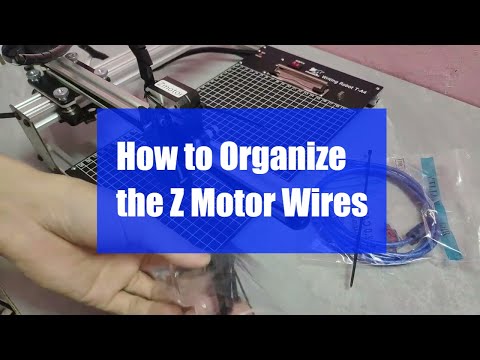
4. 케이블이 XY 트롤리에 걸리지 않도록 잘 정리되어 있는지 확인하세요. Z축 케이블 정리 방법은 이 가이드를 참고하세요:https://www.youtube.com/watch?v=LTwPYPh3rdE
빨간 버튼을 눌러 기계가 멈췄다면 어떻게 해야 하나요? 작업을 다시 시작할 수 있나요?
네, 빨간 비상 정지 버튼을 누른 후 작업을 재개할 수 있습니다. 버튼을 누르면 기계가 일시 정지하고 추가 지시를 기다립니다. 계속하려면:
- Inkscape 소프트웨어를 엽니다.
- 확장 기능(Extensions) 메뉴로 이동합니다.
- 재개(Resume) 섹션을 찾습니다.
- 처음부터 다시 시작하려면 홈에서 재개(Resume From Home)를, 중단된 지점부터 계속하려면 중단 지점에서 재개(Resume From Where Paused)를 선택합니다.
👉 팁: 프로젝트 진행 상황에 맞는 재개 옵션을 선택하여 그림이 겹치거나 미완성되지 않도록 항상 주의하세요.
iDraw 펜 플로터가 215 × 300 mm보다 큰 크기를 플로팅할 때 오류가 발생하는 이유는 기기의 최대 지원 플로팅 크기 제한 때문일 가능성이 큽니다. A3 크기(297 × 420 mm)는 215 × 300 mm보다 크기 때문에, 플로터가 해당 크기를 처리하지 못해 오류가 발생하는 것입니다. 사용 설명서나 제조사 웹사이트에서 지원하는 최대 플로팅 크기를 확인해 보시고, 필요하다면 설정에서 용지 크기를 A3에 맞게 조정하거나, 플로터의 하드웨어 제한을 고려해 더 작은 크기로 작업하는 것이 좋습니다.
이 문제는 보통 소프트웨어 설정에서 잘못된 모델 크기가 선택되었을 때 발생합니다. 기본적으로 소프트웨어가 더 작은 모델(예: A4)로 설정되어 있어 최대 플로팅 영역이 제한될 수 있습니다.
이 문제를 해결하려면 다음으로 이동하세요:
옵션 → Config iDraw 모델 → A3 크기 선택
그런 다음 다시 플로팅을 시도해 보세요. 올바른 모델 크기가 선택되면 기계가 오류 없이 전체 A3 플로팅 영역을 지원합니다.
Z축이 작업 거리를 조절할 수 있나요?
네, Z축은 작업 거리를 0에서 10mm까지 조절할 수 있습니다.
펜다운 시간을 조절할 수 있나요?
네, 펜다운 시간은 조절할 수 있습니다.
이 기계는 G-코드 명령을 지원합니까?
네, G-코드 명령어를 지원합니다. 메인보드 펌웨어는 GRBL과 호환됩니다.
Z축이 약 30~35g 정도의 하중(예: 직경 10mm, 길이 5cm의 단단한 강철 프로브)을 들어 올리고 누를 때 부드럽게 작동할 수 있나요?
네, 가능합니다. 이 기계는 최대 200그램의 하중과 최대 15mm의 직경을 지원합니다.
프레임이 눌렀을 때 진동을 방지할 만큼 충분히 안정적인가요?
네, H A3의 무게는 7kg이며 충분히 안정적입니다. 작동 속도는 조절 가능합니다.
펜을 얼마나 올리거나 내릴 수 있는지 설정을 변경할 수 있나요?
코드는 기본적으로 Z축 높이를 제한하지만, 더 유연하게 조정하려면 이미지와 같이 다음 설정을 변경할 수 있습니다.
1.idraw_deps>idraw2_0internal>idraw.py
self.options.pen_pos_up와 self.options.pen_pos_down에서 높이를 10에서 원하는 30과 같은 높이로 조정하세요.
2. idraw2_0.inx
<param name="pen_pos_down" type="float" min="0.1" max="10.0" _gui-text="펜 높이:DOWN, (mm):">5.0</param>에서 max="10.0"을 원하는 높이로 조정하세요.
I am using the plotter from last 14 days i am loving it. Plus the guide available online make it very easy for me to set up plotter quickly. A little prob i face was it took me time to find where should i start the plot from ( few trial and error i find its top right corner ) rest everything was smooth and perfect. Thanks
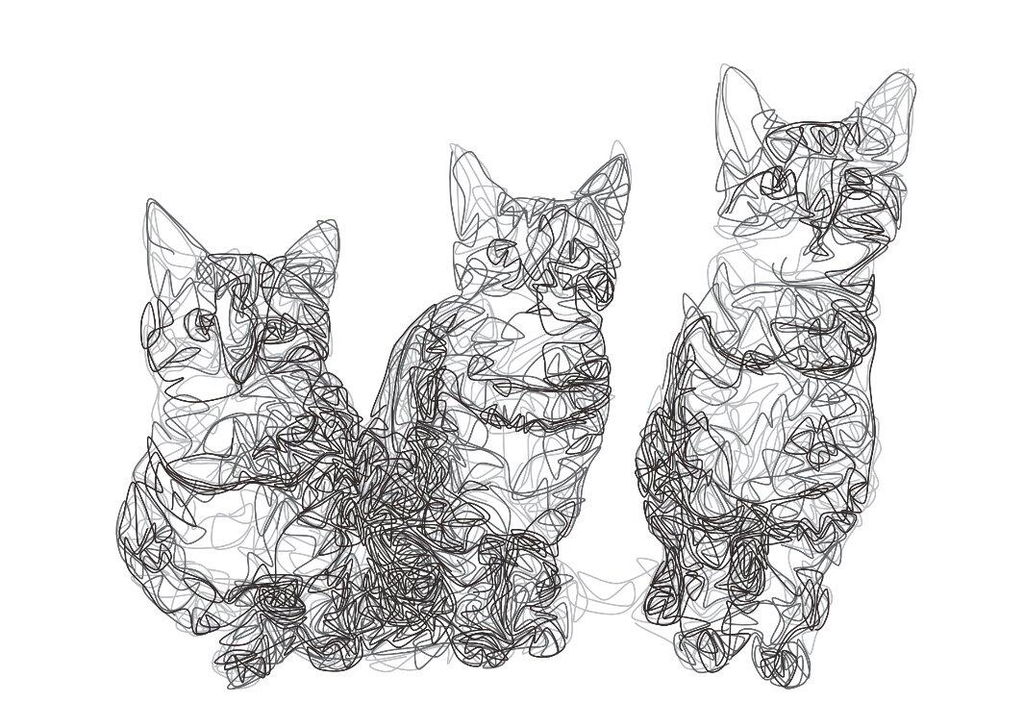
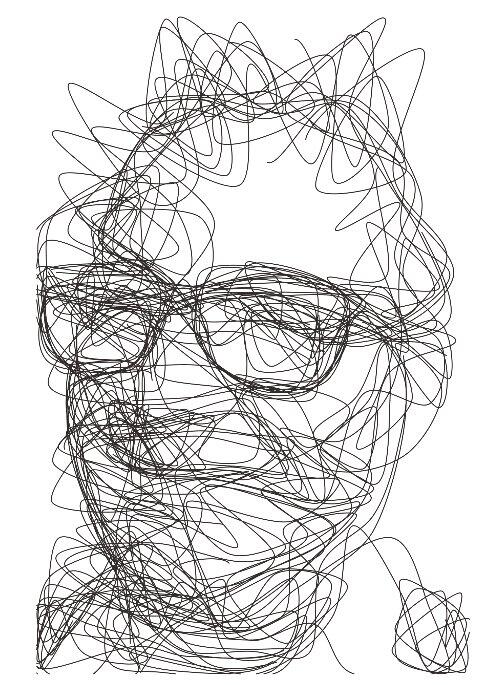
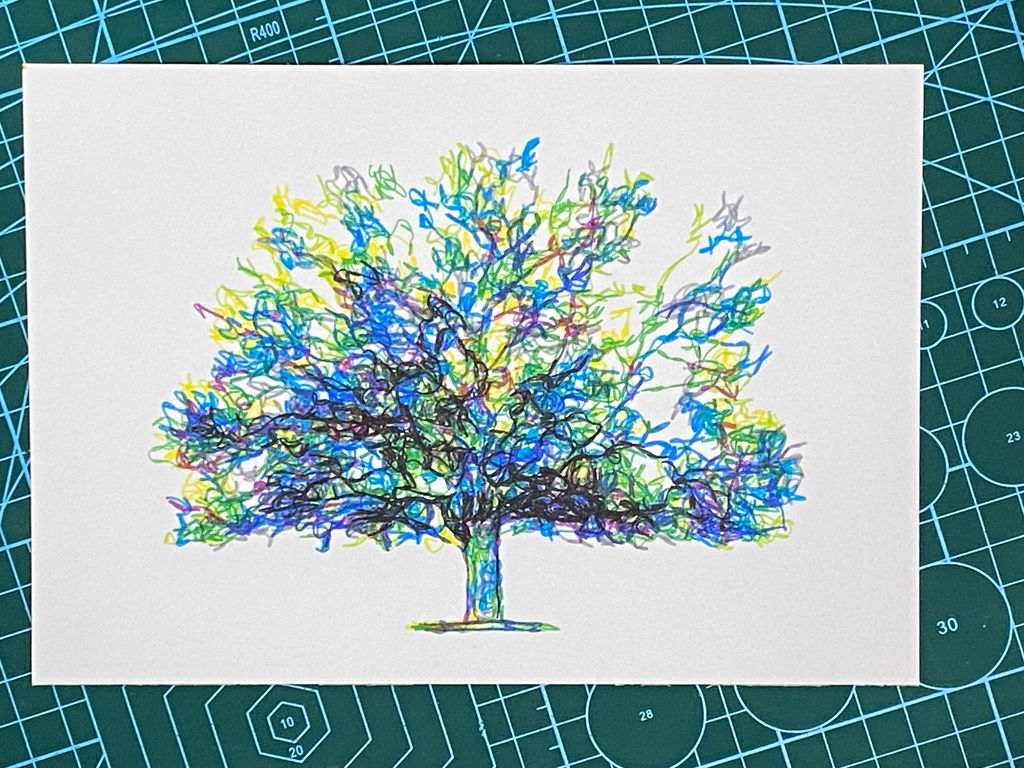
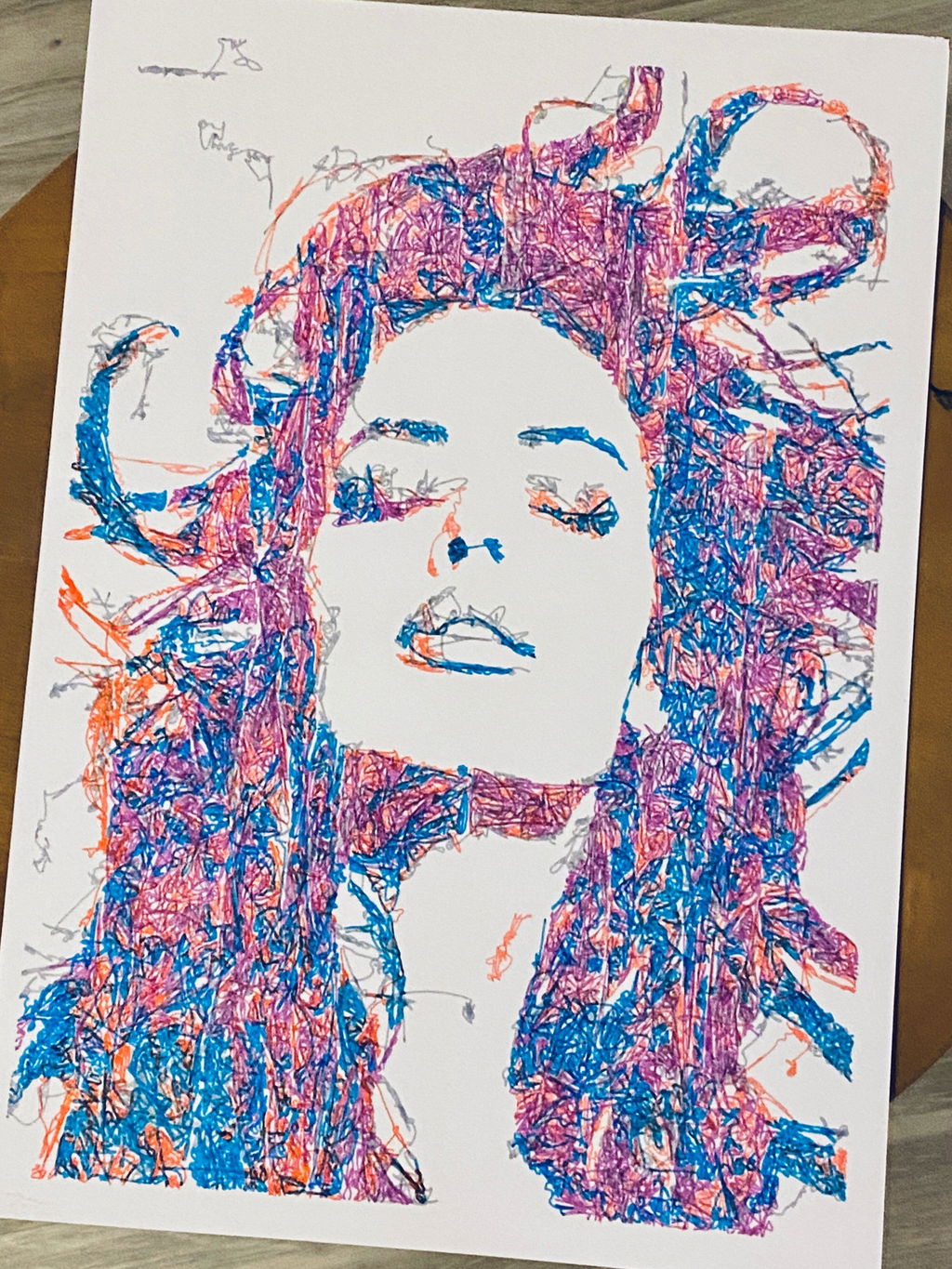
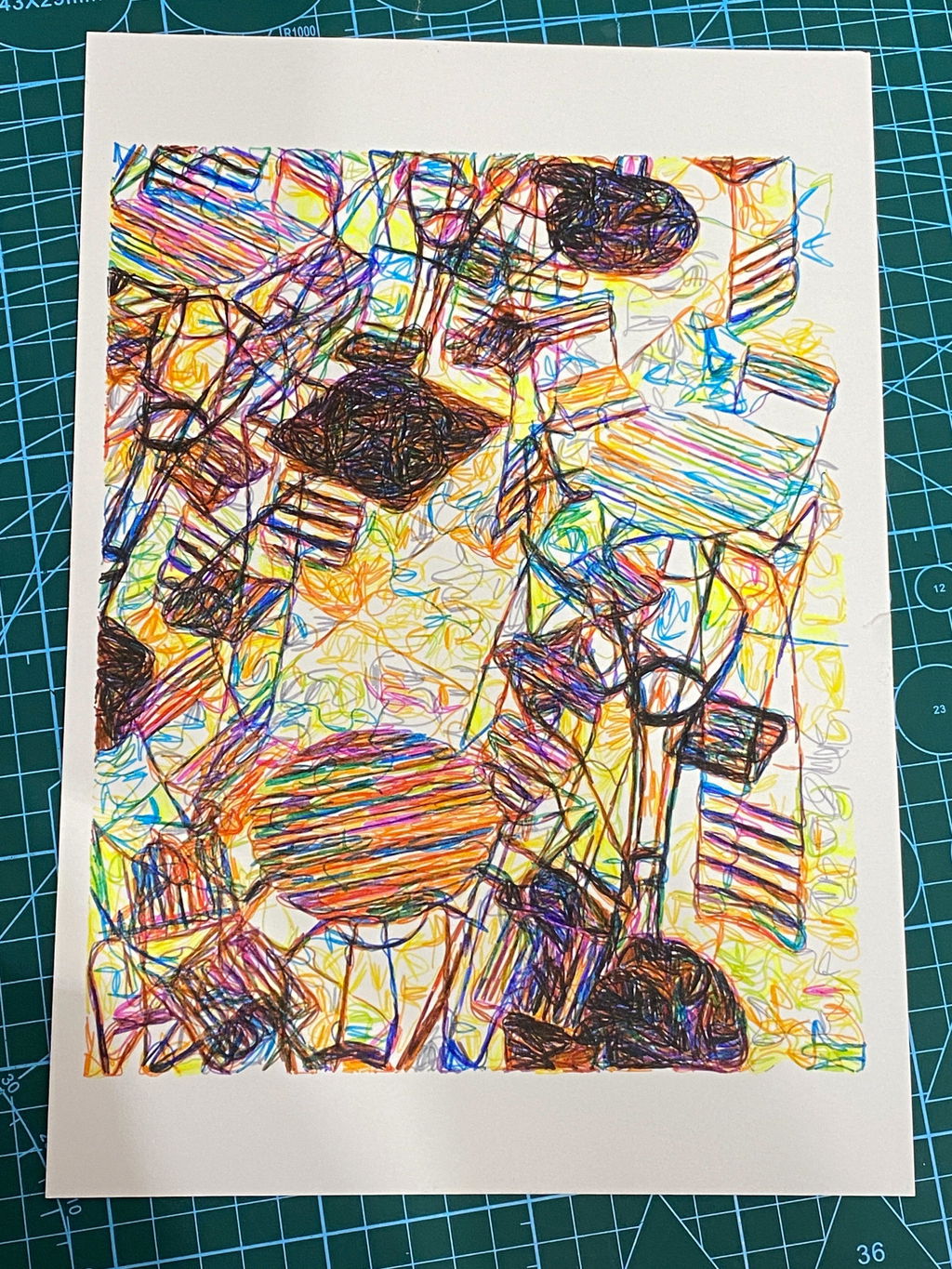
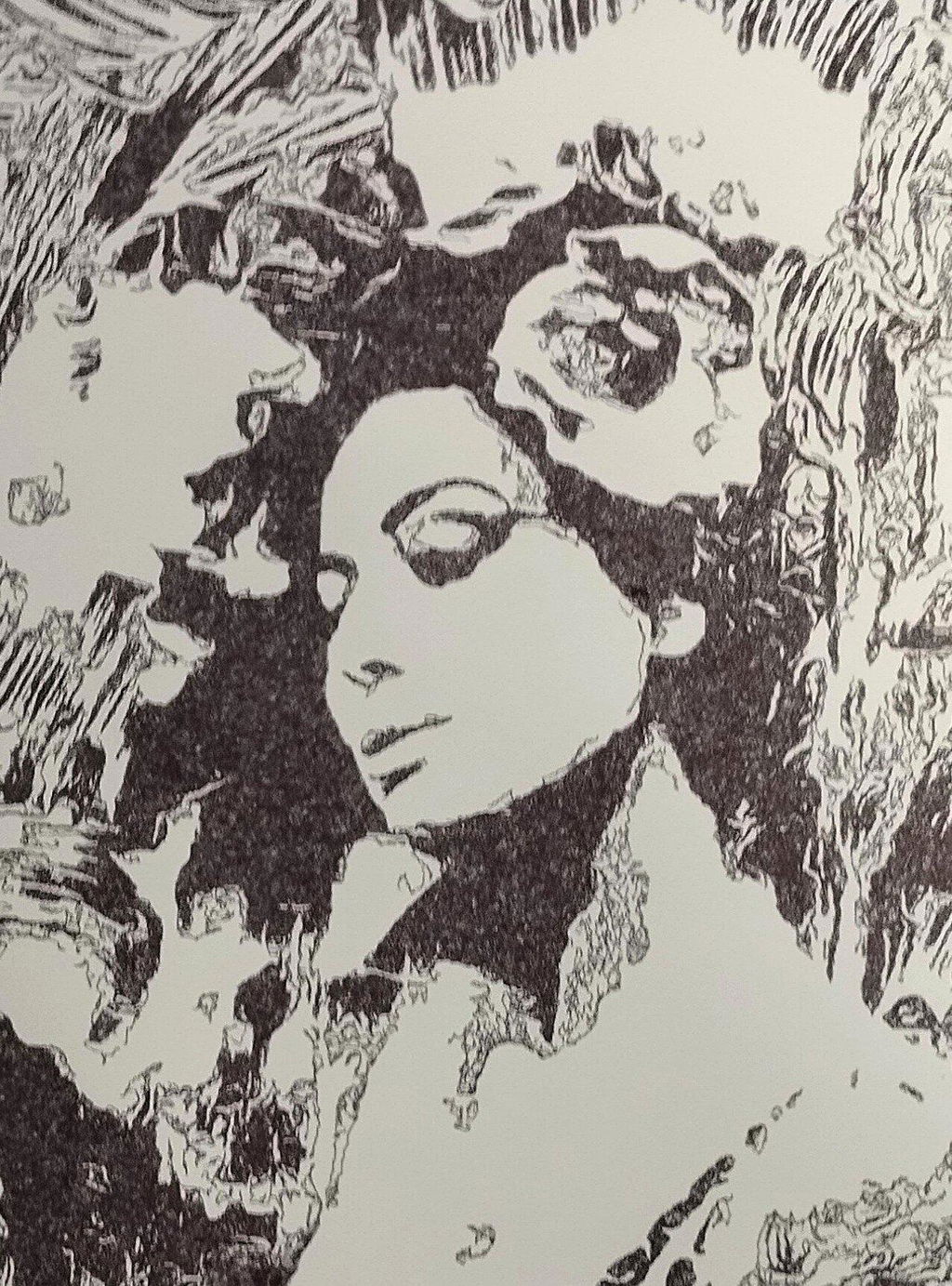
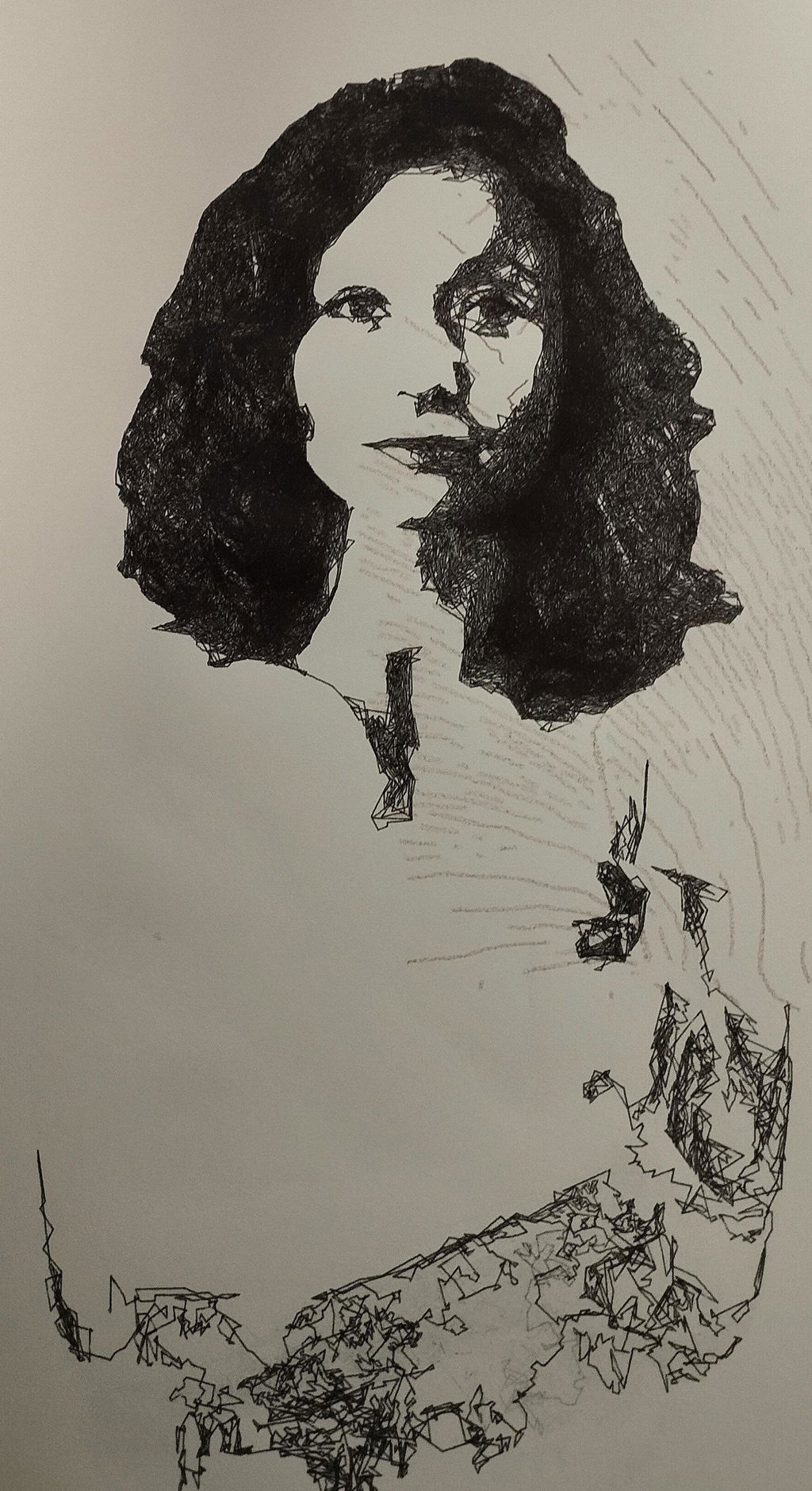
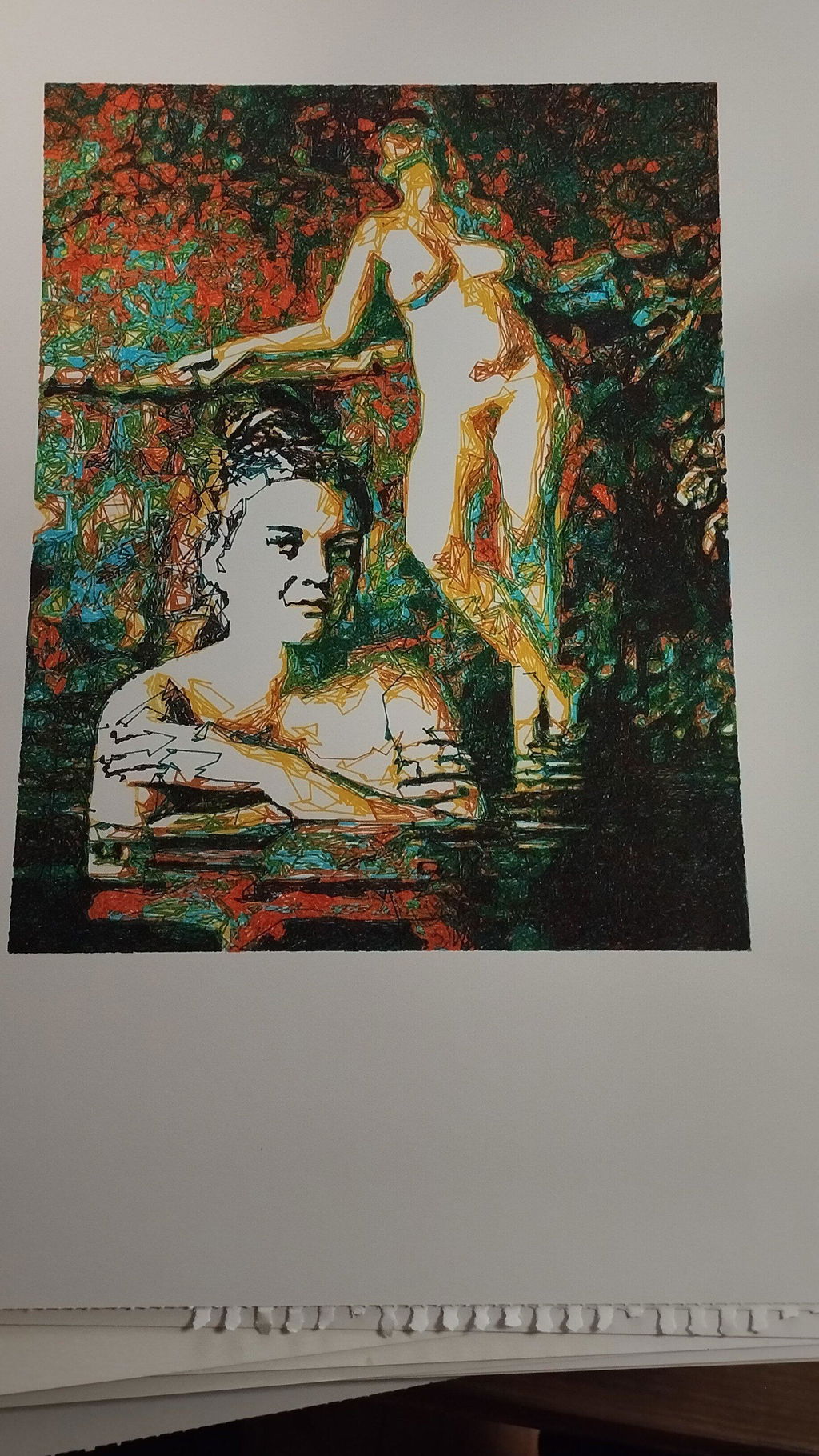
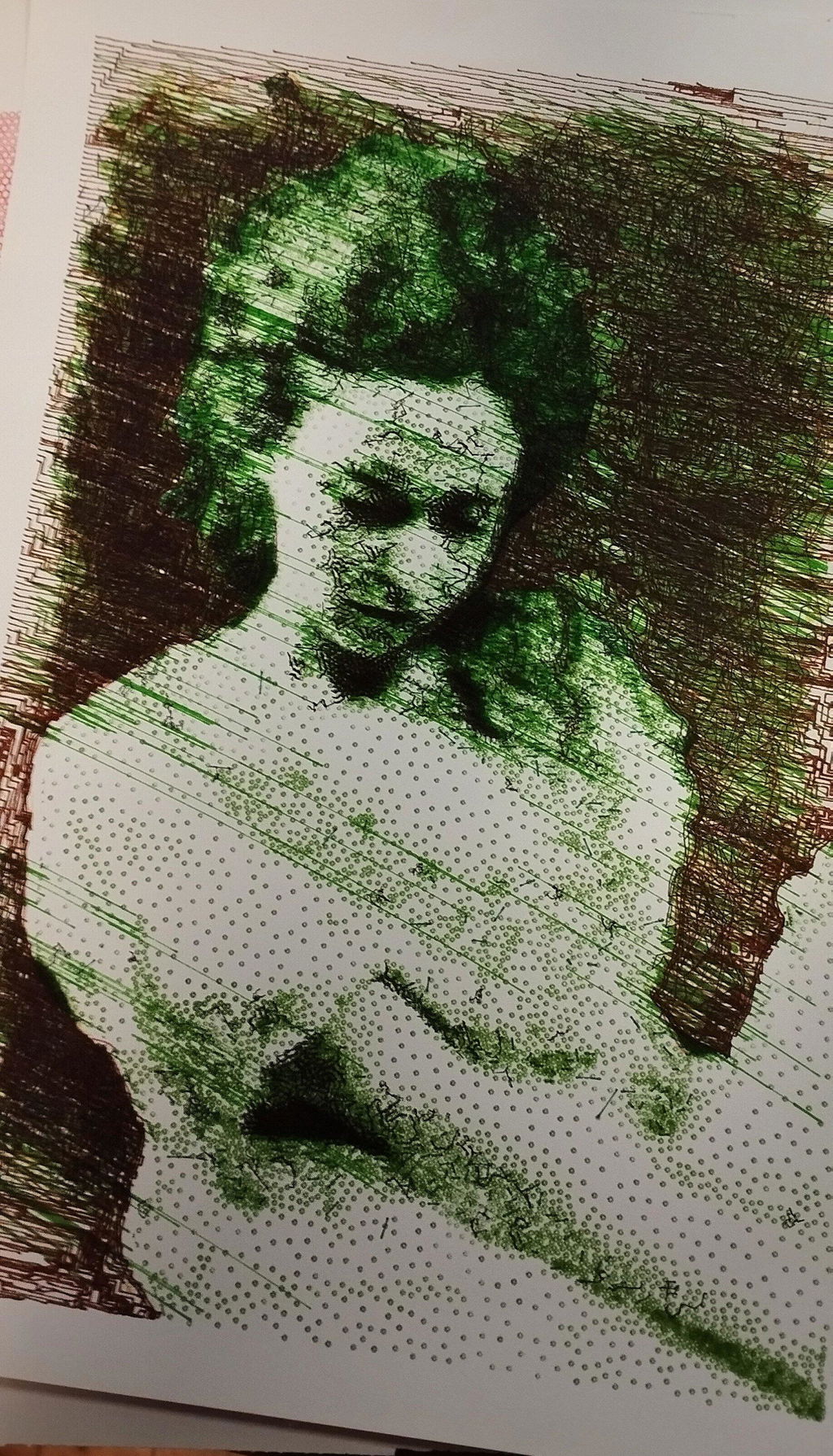
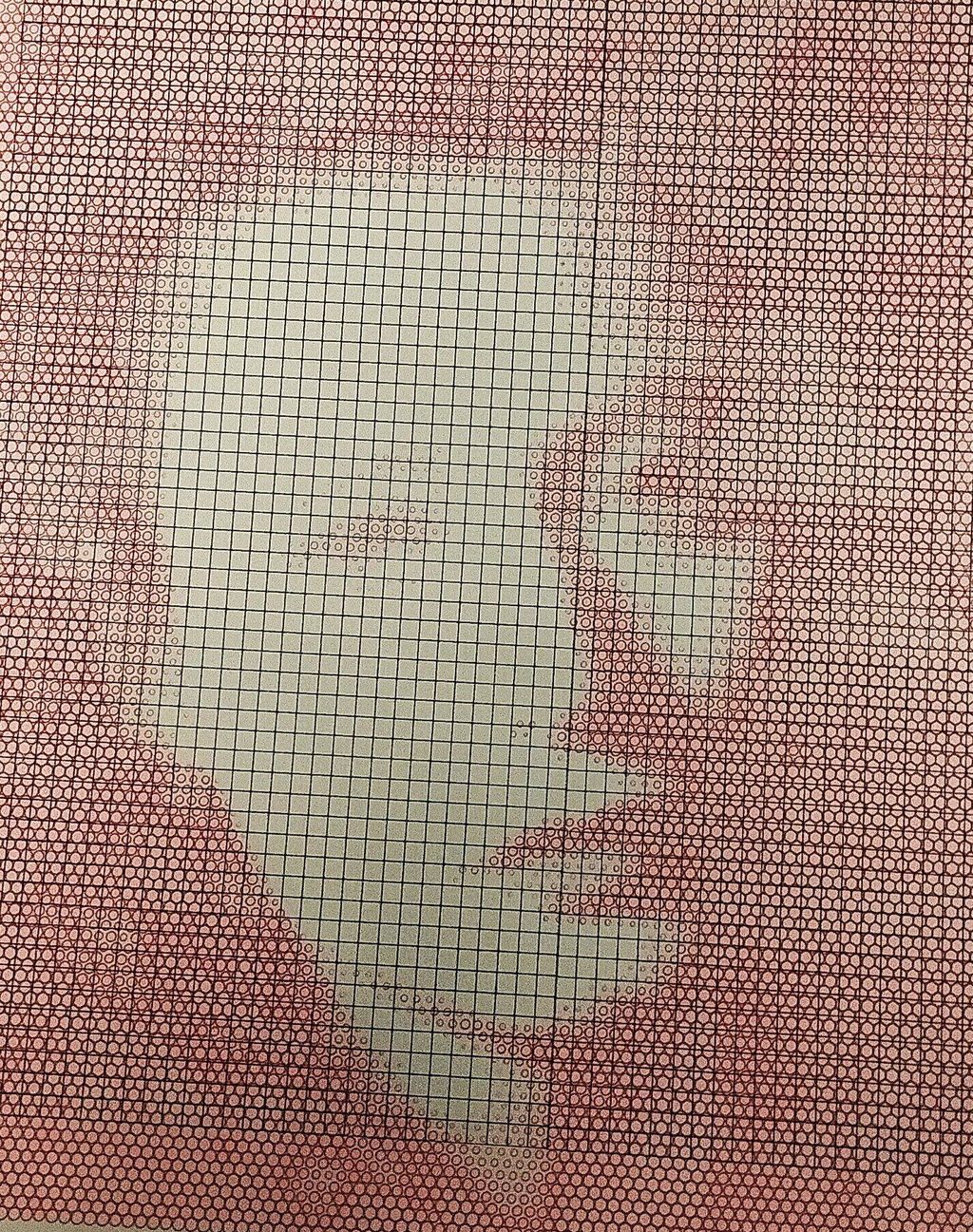
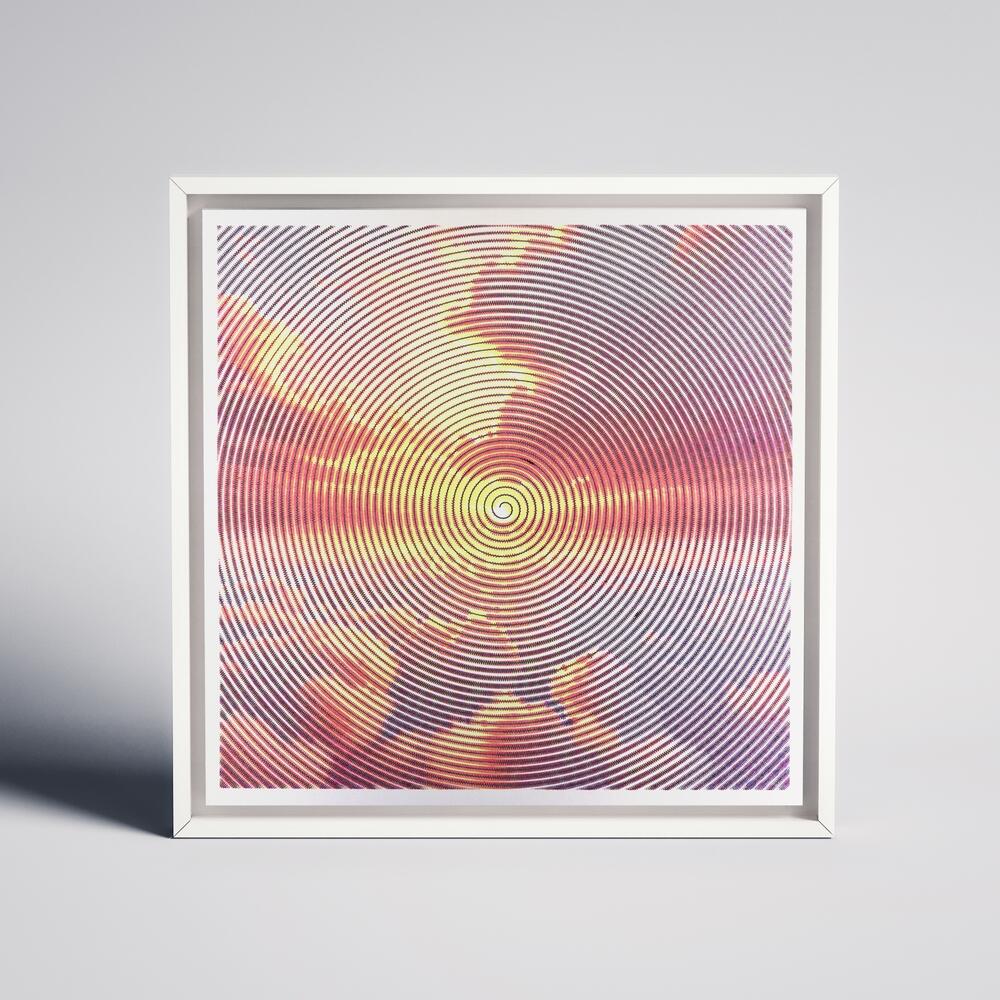
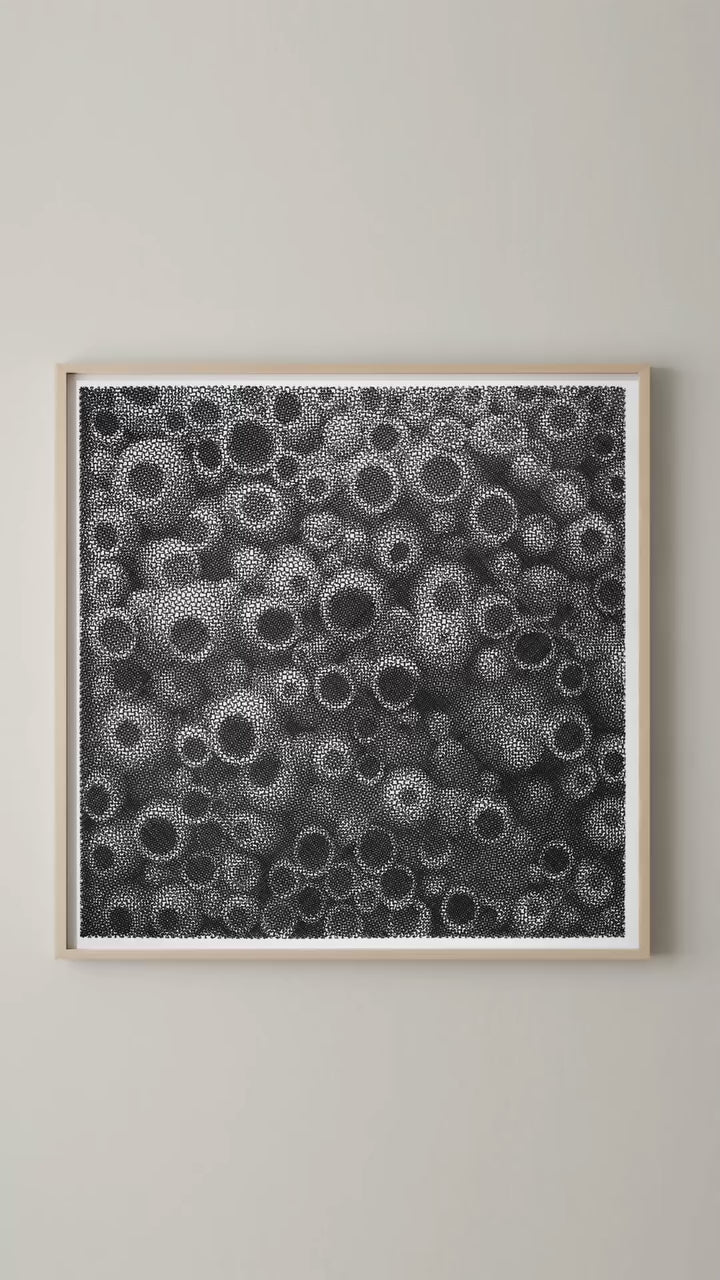
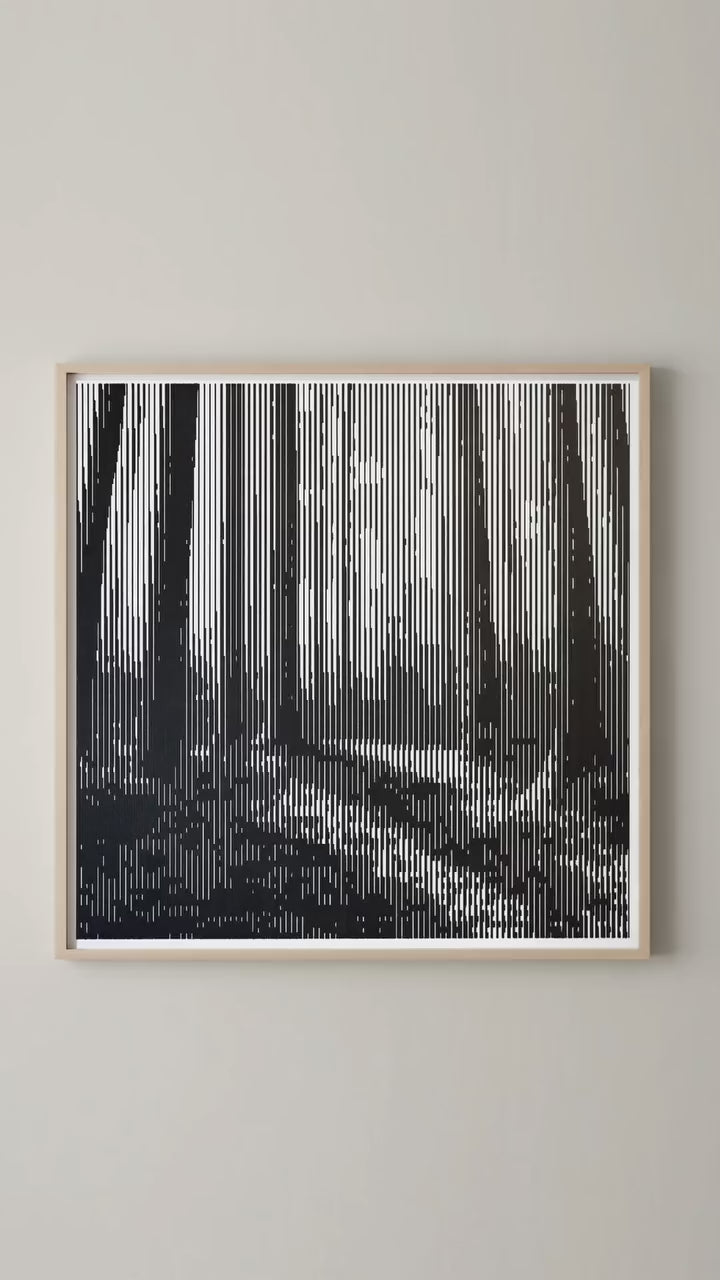
My first pen plotter the Uuna Tek H A3. I settled on this make and model after watching many videos on YouTube. Uuna Tek consistently came out looking the best so I took the plunge and pressed the buy it now button. A week later I had a large box delivered! Opening the box, it's clear the machine was well packed to withstand shipping. A "hand written" thank you card was a nice touch. Assembly was simple and straightforward. The machine is nicely designed and definitely has a quality feel to it. The software was easy to install, I used the inkscape download (with plugins pre-installed) from the Uuna Tek website. All very straightforward and simple! I've attached a couple of my first prints. I'm absolutely delighted with the machine and the quality of the plots it produces. If you, like I was, are initialising hesitating to press "buy it now" - then don't. Press that button - you won't regret it! Regards to you all from a very wet UK.
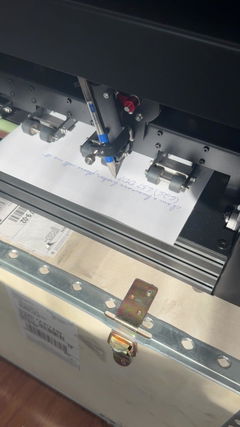
I am absolutely loving my UUNA TEK iDraw H A3 Pen Plotter! I have been using it every single day since I got it. One of the best things about it was the setup process. It was incredibly easy to assemble and get running right out of the box. The instructions were clear, and I didn't run into any issues at all.
I'm attaching a few pictures of the projects I've created with this plotter so far. It's a fantastic tool and I highly recommend it!
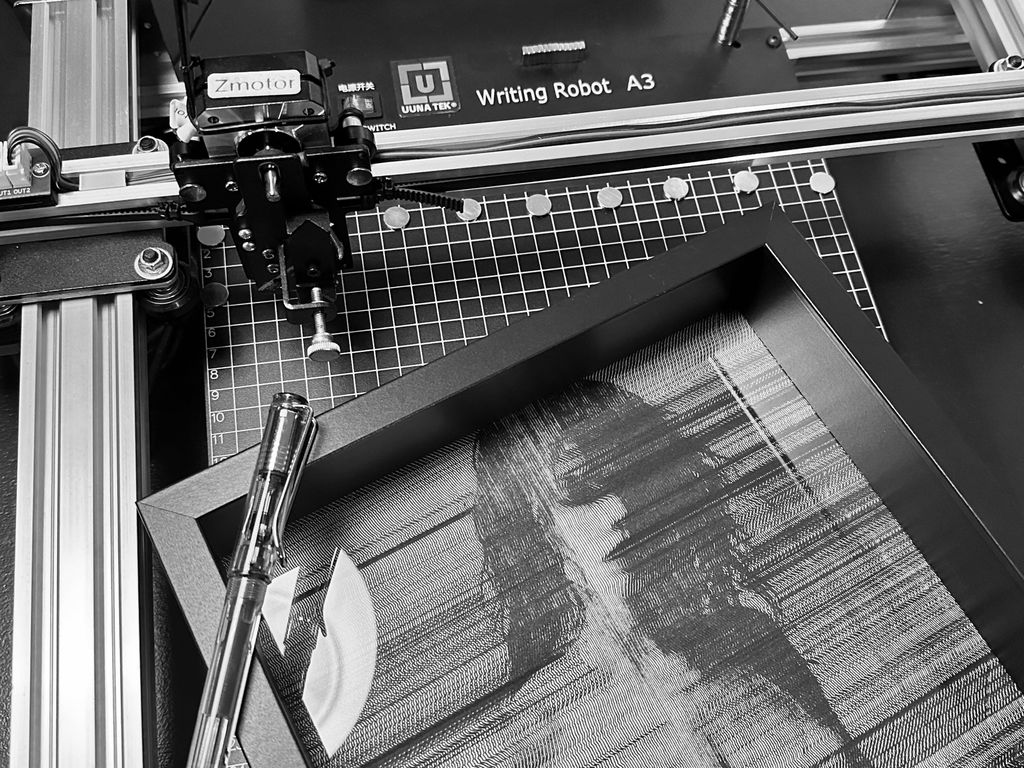
My UUNATEK Writing Robot A3 is pure creative joy packed into a precise little powerhouse. It’s extremely fun to use, surprisingly versatile, and after following a clear tutorial on the UUNATEK website to set up CNCjs on a Raspberry Pi, I now run my iDraw as a fully wireless pen plotter.
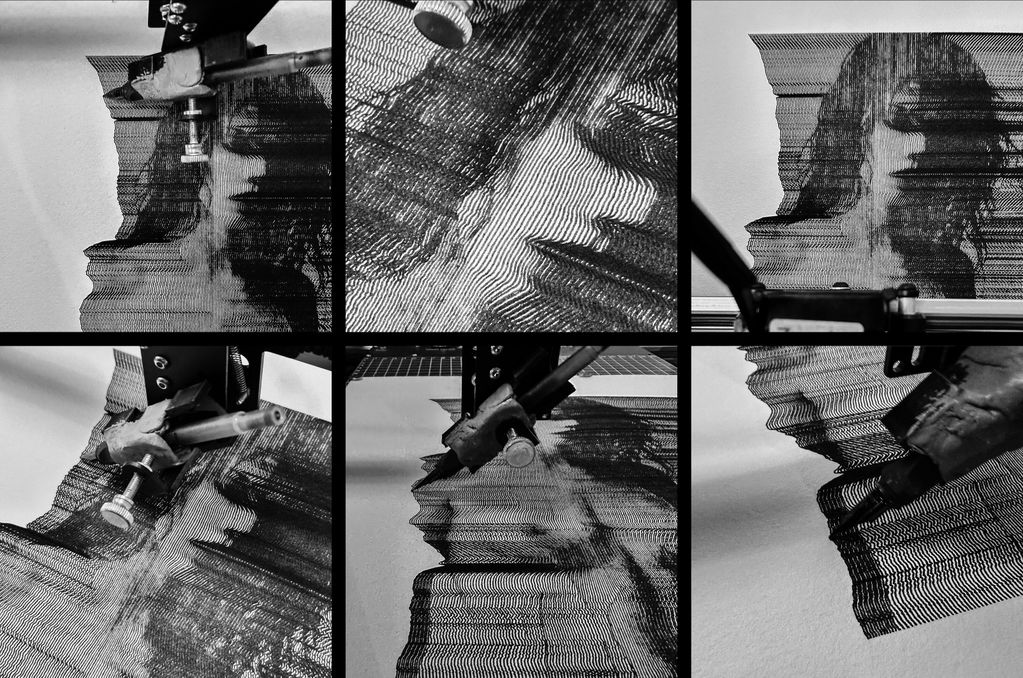
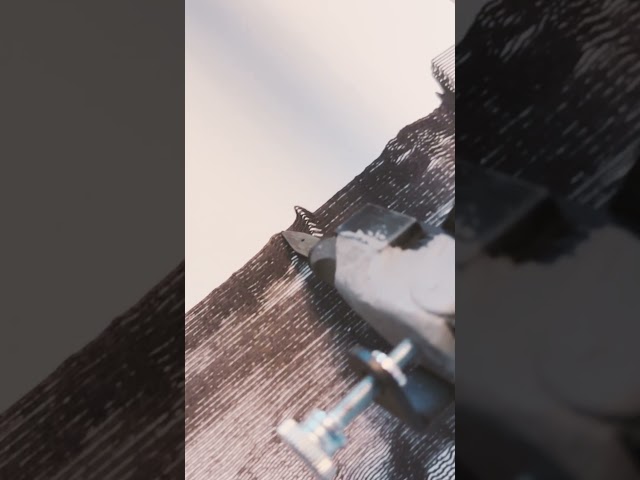
I use this machine to create fast, razor-sharp line-art portraits with a Lamy pen, and the speed and accuracy are impressive. For me, this machine feels like a perfect extension of my studio. It translates digital intention into tactile and expressive drawings. A brilliant bridge between my art and ink.
The product is easy to use. By carefully following the manufacturer's instructions, I was able to install the Inkscape plugin easily. Assembling the plotter is straightforward, but precisely adjusting the baseplate can be tricky. I managed to reduce the unevenness to within +/- 0.1 mm by manually bending the baseplate. I found that if the deviation exceeds this limit, the lifespan of the fine liner pens is significantly shortened because their tips wear down more quickly where the baseplate has a "bump". Therefore, it is recommended to level the plate before using it for the first time.
The plotter is user-friendly, and configuring its operating parameters is simple. At high speeds, the lines may become slightly wavy; however, this issue can be easily resolved by reducing the speed. The device provides a good estimate of the plotting time, making it easier to decide if slower plotting is acceptable.
The home function allows for precise positioning of the pen tips, and you can change the pen several times while working on a drawing. It is very helpful that only select layers can be plotted from the Inkscape drawing.
Overall, I am very satisfied with this product. After carefully setting up the device, one can create highly detailed and precise plots.
Reviews in Other Languages
Super eficaz!
Le prix des traceurs est un facteur essentiel à prendre en compte pour votre décision d’achat. Ne faites pas comme moi : j’avais commencé avec un petit traceur A4 bas de gamme (120 $, en pièces détachées à monter soi‑même). Avec cette machine, je ne pouvais à peine tracer des formats A5 alors qu’elle était censée gérer du A4. J’avais sans cesse des problèmes de calage, la précision laissait à désirer, et trop légère, elle bougeait au moindre mouvement. De plus, elle ne prenait pas en charge les fichiers SVG directement : il fallait passer par un encodage en G-code, un vrai parcours du combattant pour réaliser un dessin. Le résultat était le plus souvent frustrant.
Puis j’ai découvert l’iDraw H A3. Je me suis retrouvé face à une machine totalement différente, bien plus qu’un simple plotter : elle était capable de transformer mes photographies et mes dessins en tracés physiques, précis et vivants. J’étais comme propulsé dans une nouvelle dimension créative. C’était le début d’un chemin où le numérique, la mécanique et l’expérimentation artistique se rejoignent pour former un véritable terrain de jeu et d’exploration.
Cette expérience m’a montré que l’investissement dans une machine de qualité comme l’iDraw H A3 est essentiel. Elle permet non seulement de travailler avec précision et sur de grands formats, mais surtout d’avoir la liberté de se concentrer sur la création et l’exploration artistique, plutôt que sur les problèmes mécaniques. Un investissement qui peut sembler élevé au départ, mais qui se traduit par un gain énorme de temps, de sérénité et de plaisir créatif.
Since working with an Idraw H A3, I have nothing but praise to give to Uuna Tek for their work. It works all the time, every day, always precise, silent and so fast! Super easy to learn, even for beginners, and excellent support. I had already installed the software part and once unboxed, I made my first drawing in a few minutes. THANKS
Depuis que je travaille avec une Idraw H A3, j'ai seulement des éloges à faire à Uuna Tek pour leur travail. ça fonctionne tout le temps, tous les jours, toujours précis, silencieuse et tellement rapide! Super facile à prendre en main, même pour les débutants, et excellent support. J'avais déjà installé la partie logiciel et une fois déballée, j'ai fait mon premier dessin en quelques minutes. Merci