UUNA TEK
UUNA TEK® iDraw 2.0 - A4サイズドローイングロボットドローイングマシン、初心者向けペンプロッター
共有する
ピックアップの利用可能状況を読み込めませんでした
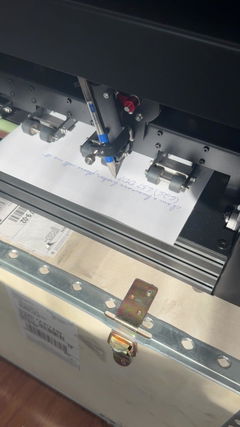
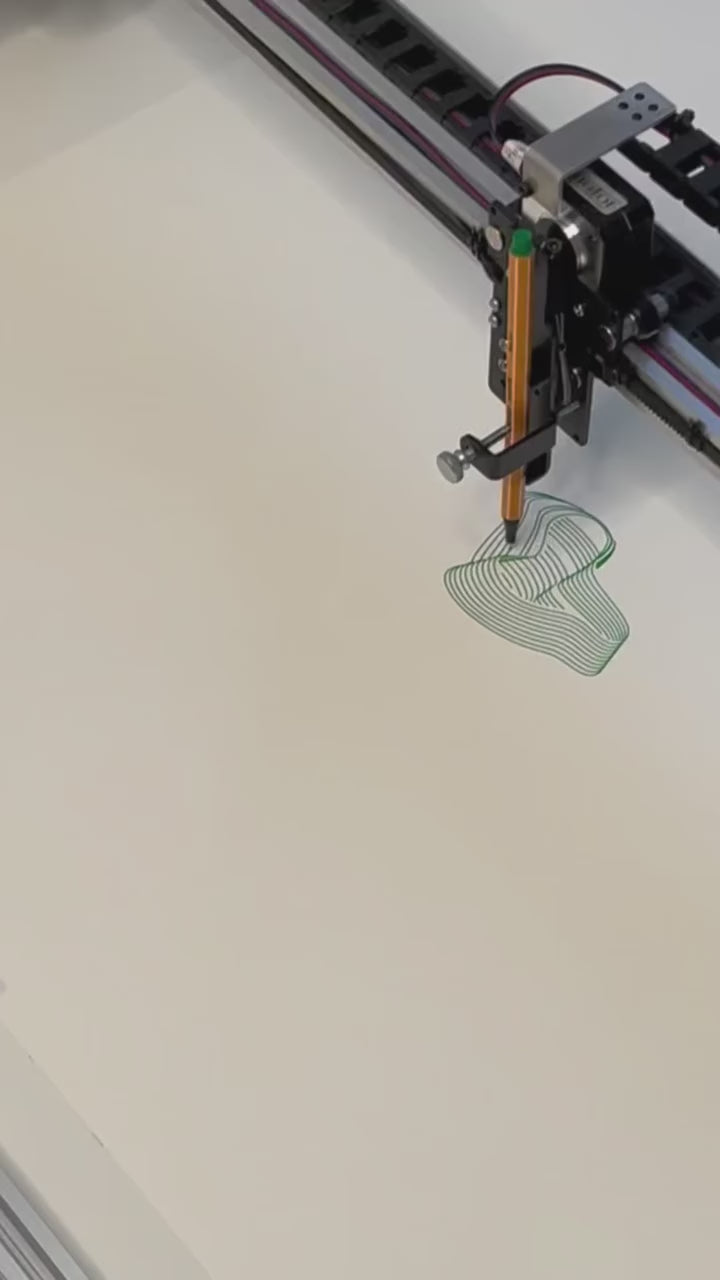
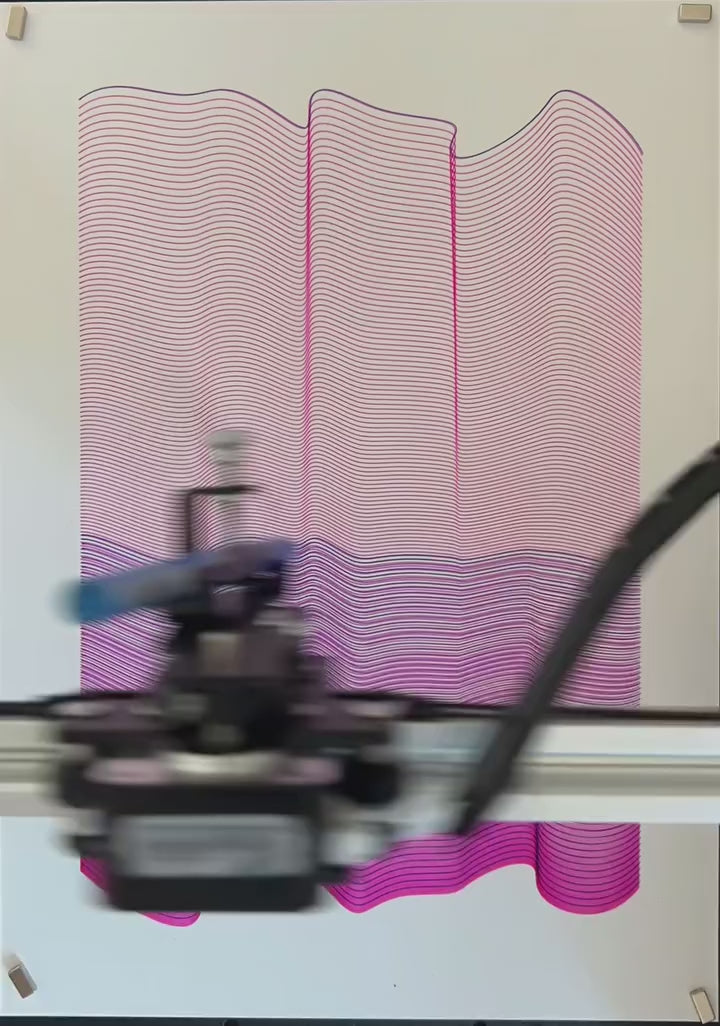
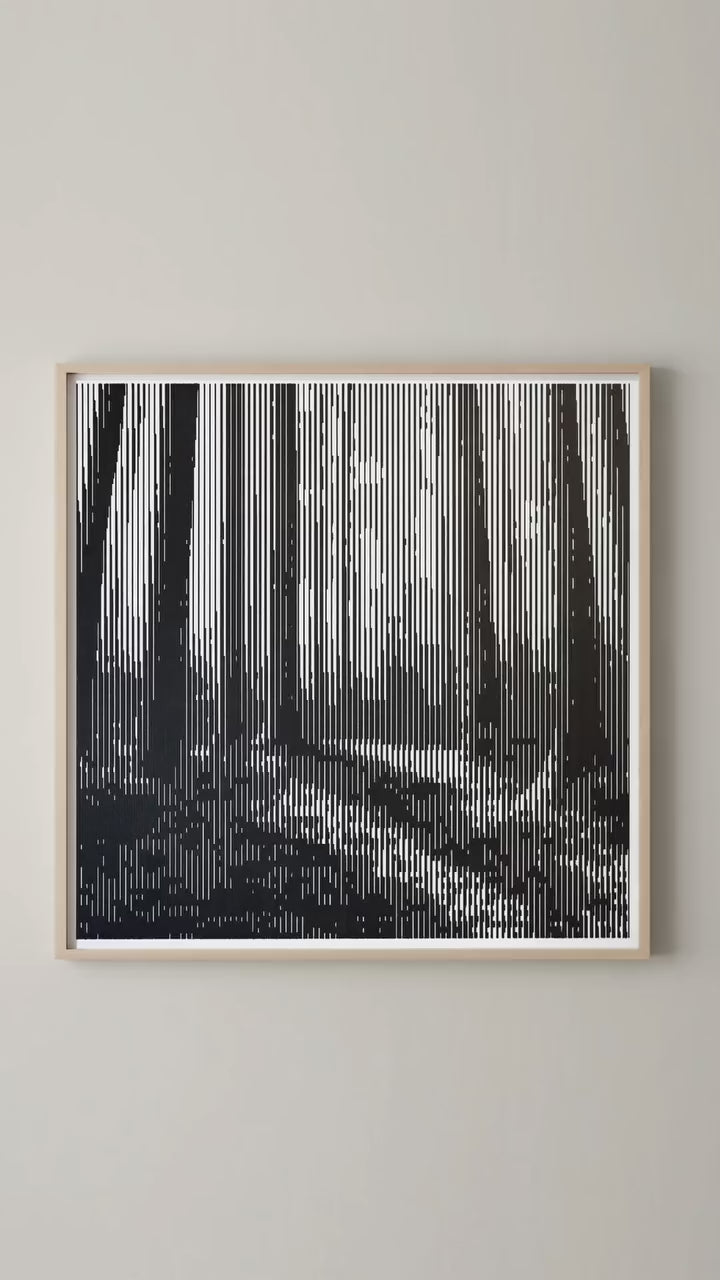
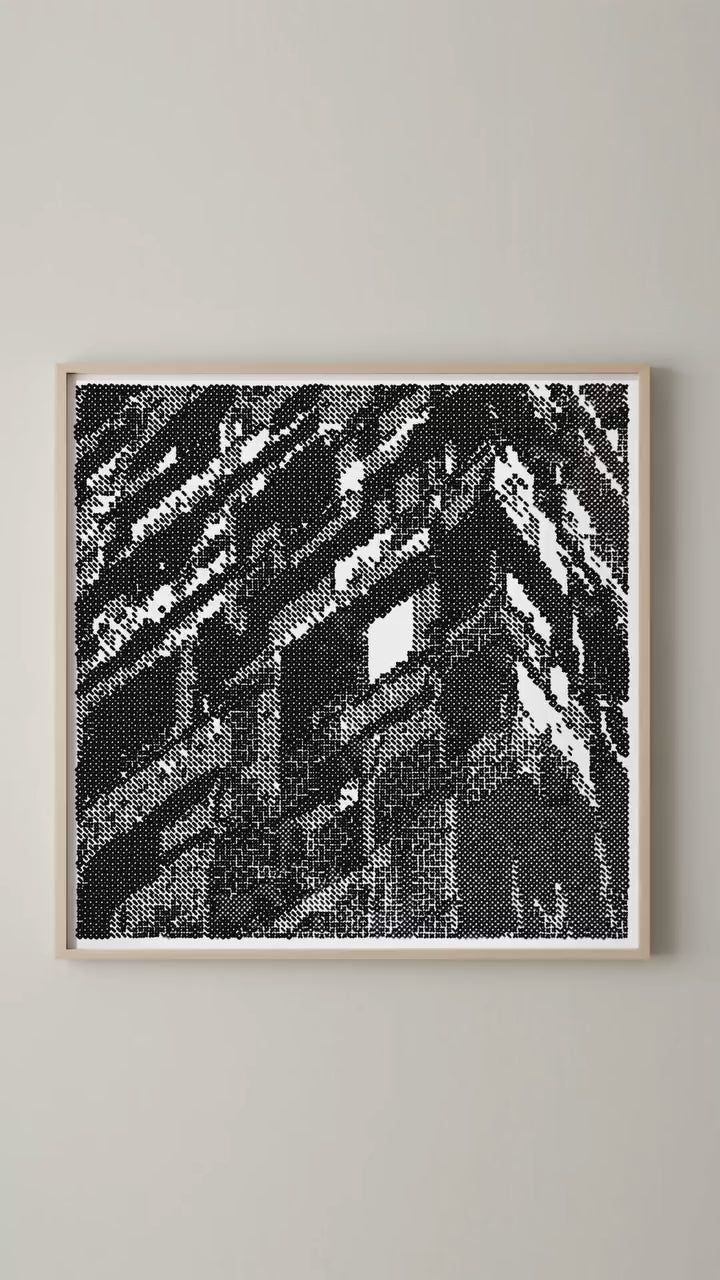
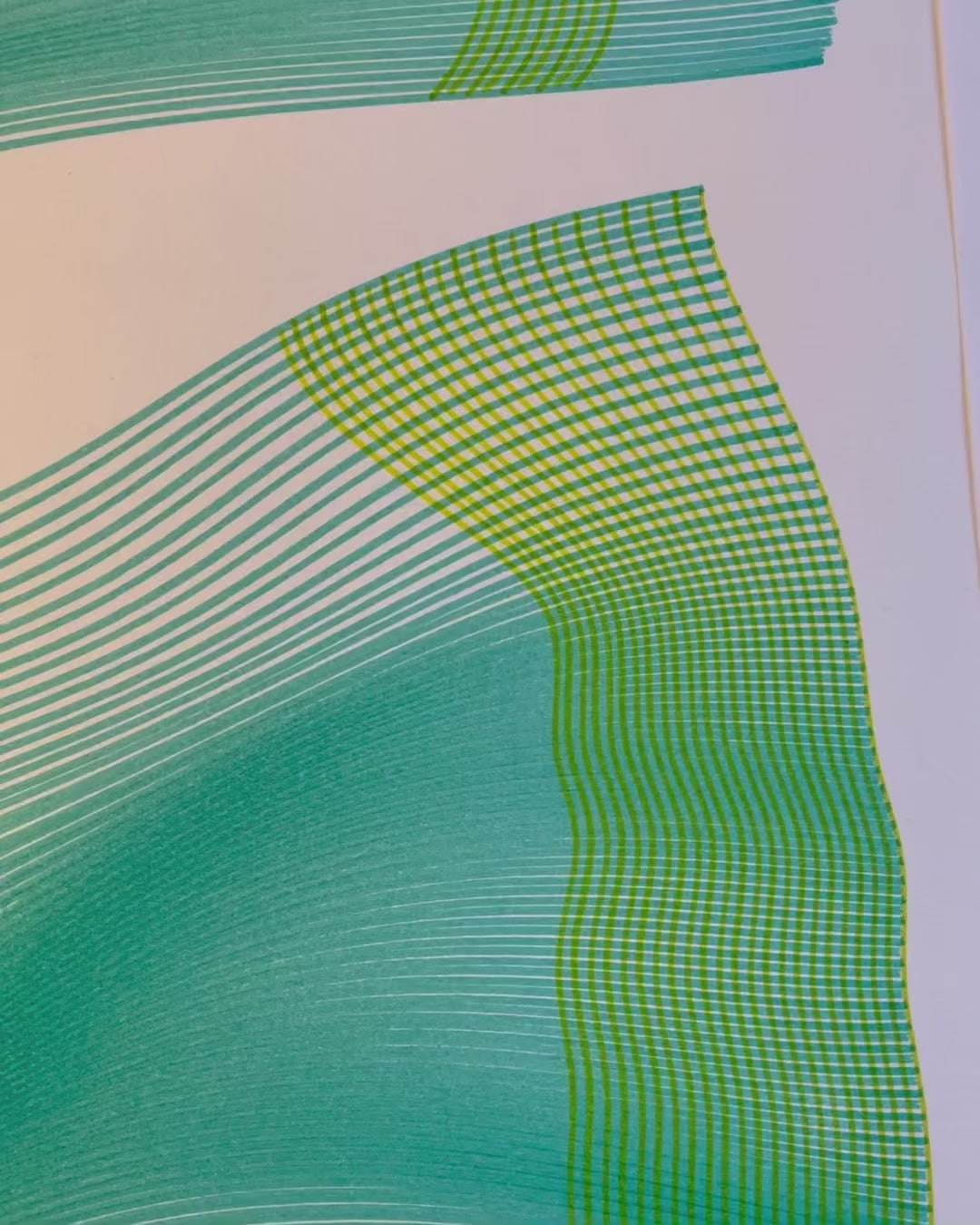
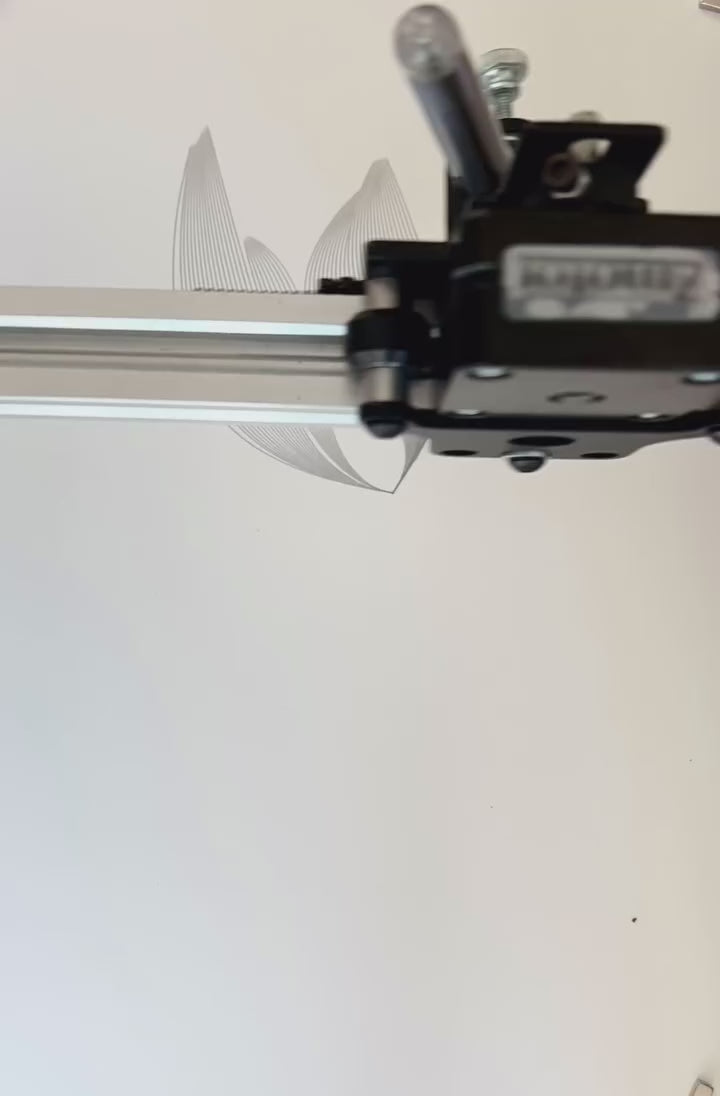
クリエイティブなプロジェクトを次のレベルに引き上げる準備はできていますか?それなら、UUNA TEK® iDraw 2.0 - A4サイズのドローイングロボット/ドローイングマシン/宿題マシン/書道プロッター/手書きロボット/ペンプロッター/レーザー彫刻機にお任せください。精密さと多用途性を兼ね備えたこの最先端デバイスは、あなたのアイデアを形にします。アーティスト、DIY愛好家、または信頼できるツールを求めるプロフェッショナルの方にとって、無限の可能性への扉となるでしょう。

Shipping, Warranty & Support
Free Worldwide Shipping
Delivered anywhere in the world at no extra cost.
30-Day Easy Returns
Hassle-free returns or exchanges within 30 days.
Lifetime Care Guarantee
Support for your machine for its entire lifetime.
Dedicated Customer Support
Help available via email, chat, or Zoom.
Free Personal Training
Learn to set up and use your machine easily.
主な特徴
-
ユニバーサルGコード互換性:プラグアンドプレイの精度
ほとんどのデザイナー、カリグラファー、ビジネスオーナーにとって、既に使い慣れたツールとシームレスに連携するシステムが必要です。当社の標準製品ラインは完全なオープンソースのGコード互換性を提供しており、Inkscape(当社独自の拡張機能付き)、LightBurn、またはAdobe Illustratorからベクターを直接インポートし、ツールパスを生成してすぐにプロットを開始できます。コーディングは不要で、純粋な工業化された手書きの自動化を実現します。
-
メールマージとハーシーフォント対応で簡単一括作成
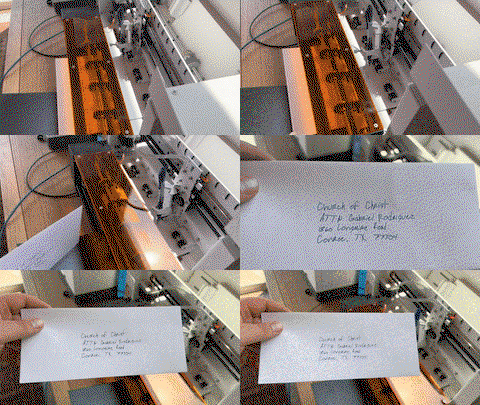
すべてのUUNA TEK iDrawペンプロッターは、手紙、封筒、カード、招待状の一括作成のためのメールマージに対応しています。Hershey Fontsを利用して、人間らしい手書き文字を実現します。
-
スピード再定義 - 2倍速
当社の最新バージョンは、Axidrawと比べて驚異の200%の速度向上を実現した最速の手書きマシンであり、記録的な速さを求める方にとって究極の選択肢です。
-
最先端技術
Drawcore V2.0マザーボードを搭載し、GRBL互換ファームウェアを備えたこの製品は、革新の頂点を示しています。
-
計り知れない精度
Y軸とX軸の両方で最小解像度0.01mmの完璧な機械的精度を実現し、すべてのストロークが完璧であることを保証します。
-
多用途レーザー彫刻
500mWから2.5Wまでのレーザーヘッドを使えば、木材やプラスチックから革や紙まで、さまざまな素材に彫刻できます。
-
使いやすい操作
UUNA TEK 2.0 Controlのアドオンで、出力パワー、彫刻速度、入力フォーマットをシームレスに管理できます。
-
簡単に接続
USBまたはBluetoothで接続でき、Windows 7/8/10/11以降、Mac OS、Linuxなどのさまざまなオペレーティングシステムに対応しています。
折りたたみ可能なコンテンツ
仕様
- マザーボード: Drawcore V2.0
- ファームウェア: GRBL互換
- アドオン: UUNA TEK 2.0コントロール
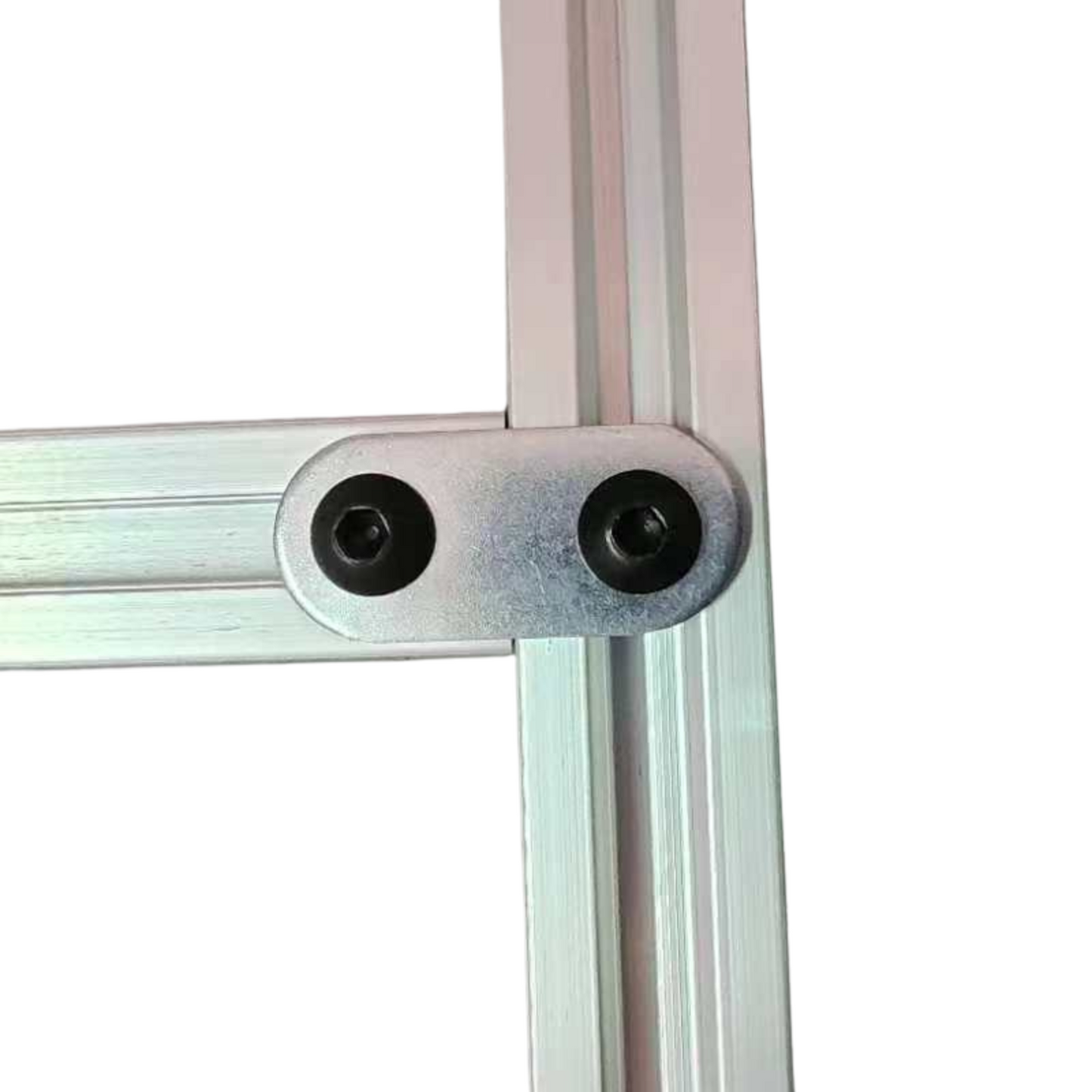
- フレーム素材: アルミニウムプロファイル + 鋼板
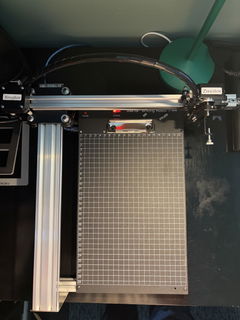
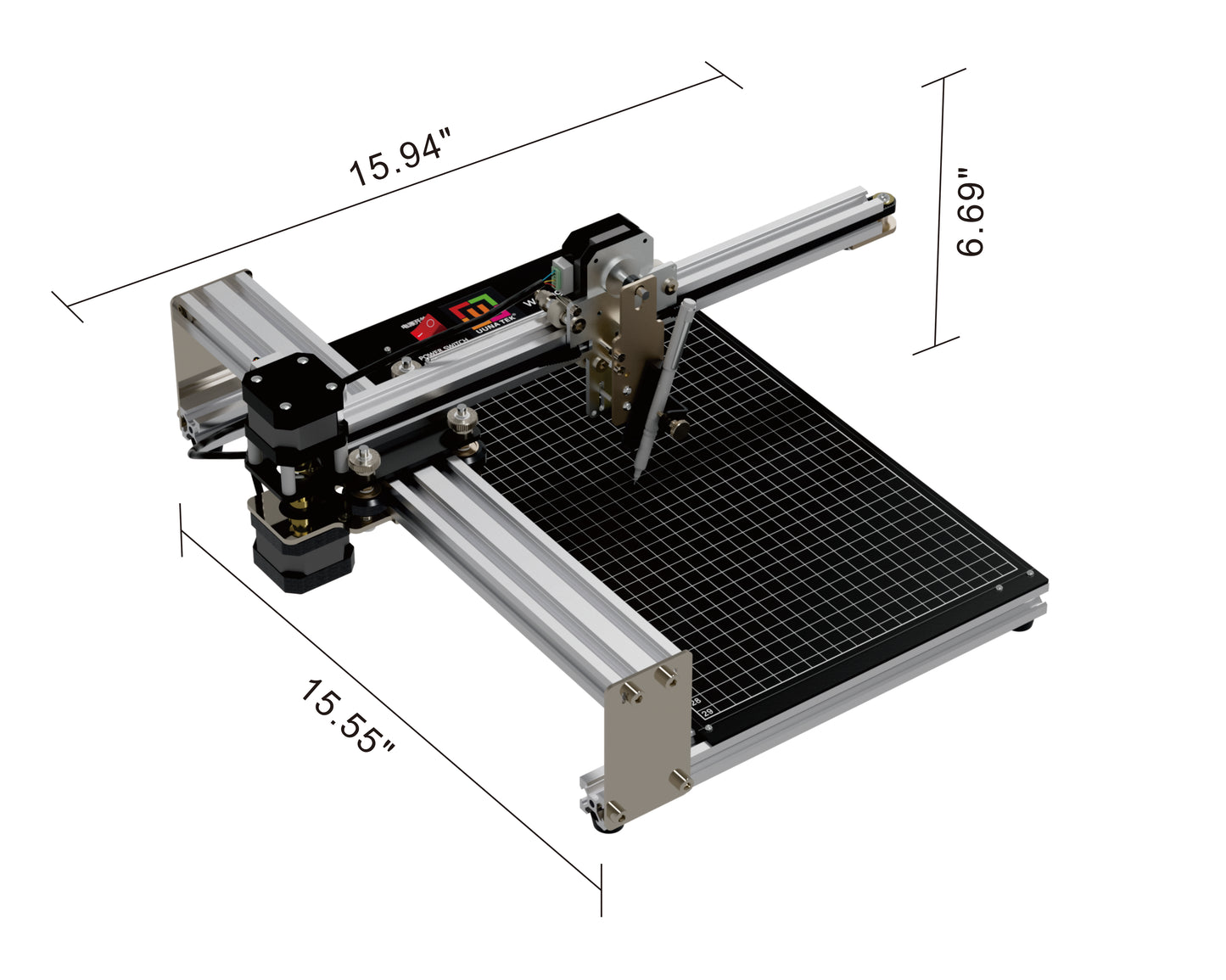
- 作業エリア: 210*297mm
- モーター: 3* 42ステッピングモーター
- 機械精度: Y:0.01 mm,X:0.01mm
- レーザー出力: 500mW/1500mW/2500mW
- 彫刻エリア: 210MM×250MM
- 波長: 445±5nm
- 焦点: 固定焦点
- 制御モード: PWM
- 出力率: S0-S1,000
- 彫刻速度: 0-5,000MM/分
- ボーレート: 115200 - 921600 (デフォルト: 115200)
- 入力フォーマット: JPG, JPEG, PNG, BMP, SVGなど
- 入力電圧: 110V-220V(対応)
- 電源アダプター出力: 12V / 1A
- 動作温度: -20℃-50℃
- 製品サイズ: 400*400*160MM
- 正味重量: 4KG
- リミットスイッチ: あり
- ペンの調整可能角度: 70-90度
- 接続性: USB、Bluetooth
- 対応OSおよびソフトウェア: Windows 7/8/10/11以降(Inkscape)、Mac OS(Inkscapeでの書き込み・描画、Lightburnでのレーザー彫刻)、Linux
梱包リスト
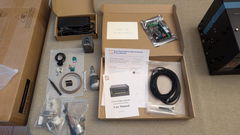
1台 UUNA TEK iDraw 2.0 A4 ペンプロッター
1枚 A4ベースプレート
1セット ツールキット
1冊 クイックスタートガイド
1枚 サンキューカード
ソフトウェア
Inkscapeソフトウェアと豊富なファイルをこちら>>>からダウンロードしてください。
Windows、Mac、Linux用のソフトウェアのほか、ハードウェアの組み立てガイドやソフトウェアのインストール詳細もご覧いただけます。
高度な機能が必要な方へ:
1. プロットファイルを保存する機能が必要な方は、こちらのバージョン>>>をダウンロードしてください。
2. メールマージ機能が必要な方へ、
Windows用はこちらのバージョン>>>をダウンロードしてください。
MacまたはLinux用はこちらのバージョン>>>をダウンロードしてください。
3. レーザー機能が必要な方は、こちらのバージョン>>>をダウンロードしてください。
4. プログラミングの基礎があり、元のパラメータを調整して速度制限を解除したい場合は、こちらのバージョン>>>をダウンロードしてください。
よくある質問
iDraw 2.0 A4プロッターの適切な描画サイズの設定方法は?
iDraw 2.0コントロール拡張に移動し、オプション->設定->iDrawモデル:iDraw A4を選択します。
なぜ私の自動ホーム機能がうまく動作しないのですか?
Auto Homeの使用に関するいくつかのヒントをご紹介します。
1. 接点スイッチのケーブルが正しく接続されているか確認してください。こちらのガイドをご参照ください:https://www.youtube.com/watch?v=5B4nb2k6eAc
2. X軸トロリーを手動で左端まで動かし、X軸の接点スイッチに当たるか確認してください。
3. Y軸トロリーを手動で後方まで動かし、Y軸の接点スイッチに当たるか確認してください。
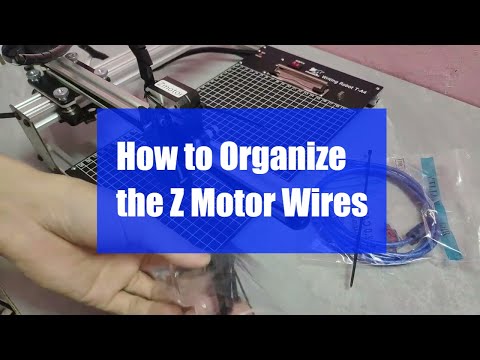
4. ケーブルがXYトロリーに引っかからないように適切に整理されていることを確認してください。Z軸ケーブルの整理方法はこちらのガイドをご覧ください:https://www.youtube.com/watch?v=LTwPYPh3rdE
赤いボタンを押して機械が止まった場合はどうすればいいですか?プロットを再開できますか?
はい、赤い非常停止ボタンを押した後でも作業を再開できます。ボタンを押すと機械は一時停止し、次の指示を待ちます。再開するには:
- Inkscapeソフトウェアを開きます。
- 拡張機能メニューに移動します。
- 再開セクションを見つけます。
- 最初から再開したい場合はホームから再開、停止した場所から続けたい場合は停止位置から再開を選択します。
👉 ヒント:プロジェクトの進行状況に応じて適切な再開オプションを選択し、重なりや不完全な描画を避けるようにしましょう。
Z軸は作業距離を調整できますか?
はい、Z軸は作業距離を0から10mmまで調整できます。
ペンを置く時間は調整できますか?
はい、ペンを下ろす時間は調整可能です。
この機械はGコードコマンドに対応していますか?
はい、Gコードコマンドに対応しています。マザーボードのファームウェアはGRBLと互換性があります。
Z軸は、約30〜35gのペイロード(直径10mm、長さ5cmの固体鋼製プローブのようなもの)でスムーズに持ち上げて押すことができますか?
はい、可能です。この機械は最大200グラムの荷重と最大直径15mmに対応しています。
ペンの上下移動量の設定を変更することは可能でしょうか?
コードはデフォルトでZ軸の高さを制限していますが、以下の画像の設定を調整することでより柔軟にできます
1.idraw_deps>idraw2_0internal>idraw.py
self.options.pen_pos_up と self.options.pen_pos_down の高さを10から30など期待する高さに調整してください
2. idraw2_0.inx
<param name="pen_pos_down" type="float" min="0.1" max="10.0" _gui-text="ペンの高さ:DOWN、(mm):">5.0</param> の max="10.0" をお好みの高さに調整してください
It works perfectly. I'll put it to good use.
TLDR: This machine's great, as advertised, works great, software and hardware is very easy to learn. Will be buying more of this particular product, or switching to there other higher output machines - super impressed.
My handwritings god awful, but I'm involved in a couple of different ventures that offering a personal touch goes a long way - I wanted to produce a couple hundred letters here and there to send to potential clients, and was looking for a machine to get it done.
Was anxious given that most of the machines to this caliber, are a couple of hundred dollars - in this economy, spending a couple hundred dollars for a garbage machine that barely works?
Well, Uuna Tek FAR exceeded expectations - the unit was delivered far ahead of schedule (by just about a week), and have been printing ever since without a single hiccup. Obviously the machine takes some tweaking with the Inkscape 2.0 Controller extension depending on what type of paper, you're using/positioning, but it's completely user dependent at that point. The actual function and usability of the machine is stellar, I'd highly recommend.
This is a great pen plotter for getting into the plotting world. It was fairly easy to setup and runs via Inkscape to print. The plotter is accurate and fits almost any pen there is due to a universal pen clamp. Unfortunately the only issue I had was one of the legs on the plotter was damaged in shipping but not a big deal, plotter is sill fully functional.
is a solid and accessible tool for creative experimentation. My experience using it for generative art, handwriting-style drawings, and custom illustrations has been very positive. The setup with SVG files is straightforward, the machine produces clean, consistent lines. It fits well into a simple digital-to-physical creative workflow. Recommended!
I am extremely satisfied with my iDraw 2.0 Pen Plotter. The machine is very precise, easy to set up, and works smoothly with different types of pens. I mainly use it for calligraphy, logo design, and technical drawings, and the results are always clean and professional. The software is user-friendly and the plotting speed is impressive. This machine has saved me a lot of time and helped me improve the quality of my creative projects. I highly recommend it for artists, designers, and anyone who loves digital-to-physical creation.
Reviews in Other Languages
Vom Prudukt selbst bis hin zum Support und auch der Versand war reibungslos. Vielen dank, würde ich immer wieder kaufen