
UUNA TEK
iDraw H A3 ペンプロッター描画ロボット ペンプロッター描画マシン、他製品より300%高速
共有する
店舗受け取りの在庫状況を読み込めませんでした
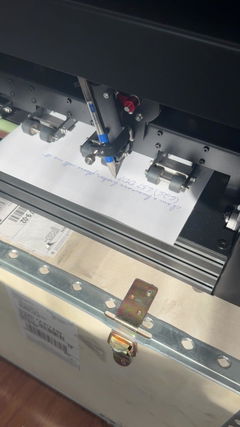
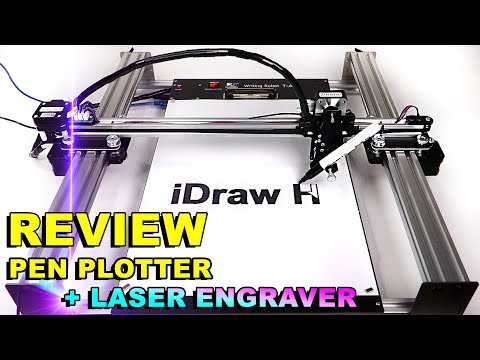
iDraw H A3ペンプロッター描画ロボット、ペンプロッター描画マシン、筆記マシン、署名マシンで、クリエイティブプロジェクトをさらに高めましょう| UUNA TEKは精度と速度の新たな基準を打ち立てるために設計されました。世界最速の手書きマシンとして登場し、同等製品と比べて驚異の300%の速度向上を実現。比類のない性能を求めるアーティスト、プロフェッショナル、愛好家に最適な選択肢です。
ベースプレート付きのバージョンは現在在庫切れですので、ご注意ください。
iDraw H A3とは?
- 最大A3サイズ(16.5 × 11.7インチ)のプロジェクトに対応
- 詳細な描画を可能にする機械的精度
- Inkscape、Lightburn、その他のSVG/JPG/PNG形式に対応
- 水平または垂直に設置できる柔軟な取り付けオプション
最適な用途:
- ジェネラティブアートやカリグラフィーを制作するアーティスト
- プロトタイプや補助線を作図するデザイナー
- テクニカルドローイングを教える教育関係者
- 革、木材、紙にマーキングするクラフター
iDraw H A3を選ぶ理由
- 手間のかからない一括筆記: メールマージとHershey Fontsに対応し、手紙、招待状、カードの作成に便利
- 圧倒的な速度: 最大12,000 mm/分、他のA3プロッターより3倍高速
- 高精度: X/Y軸の分解能0.01 mm
- レーザー彫刻(オプション): さまざまな素材に対応する0.5W~15Wのレーザーヘッド
- 接続性: USBまたはBluetooth、Windows/Mac/Linux対応
- 使いやすい操作: UUNA TEK 2.0 Controlで、出力、速度、入力形式を調整
Shipping, Warranty & Support
Free Worldwide Shipping
Delivered anywhere in the world at no extra cost.
30-Day Easy Returns
Hassle-free returns or exchanges within 30 days.
Lifetime Care Guarantee
Support for your machine for its entire lifetime.
Dedicated Customer Support
Help available via email, chat, or Zoom.
Free Personal Training
Learn to set up and use your machine easily.
主な機能
-
ユニバーサルGコード対応:プラグアンドプレイの精度
ほとんどのデザイナー、カリグラファー、事業主にとって、すでに使い慣れているツールとシームレスに連携するシステムが必要です。当社の標準製品ラインは、完全なオープンソースのGコード互換性を備えているため、Inkscape(当社独自の拡張機能対応)、LightBurn、またはAdobe Illustratorからベクターを直接インポートし、ツールパスを生成して、すぐにプロッティングを開始できます。コーディングは不要です—純粋で、産業レベルに仕上げられた手書き自動化を実現します。
-
メール差し込みとHersheyフォント対応で、簡単に大量書き込み
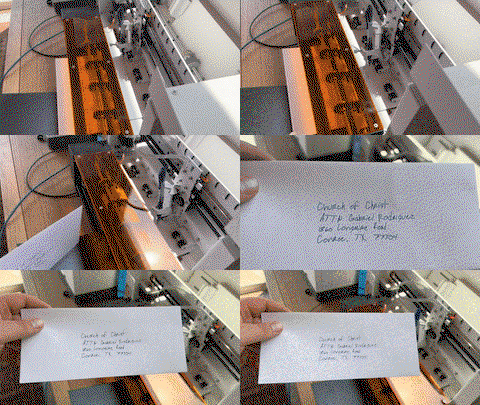
すべてのUUNA TEK iDrawペンプロッターは、手紙、封筒、カード、招待状を一括で書くためのメールマージに対応しています。Hersheyフォントを使用すると、人間らしい手書き文字を再現できます。
-
比類のないスピード ― 他社より3倍高速
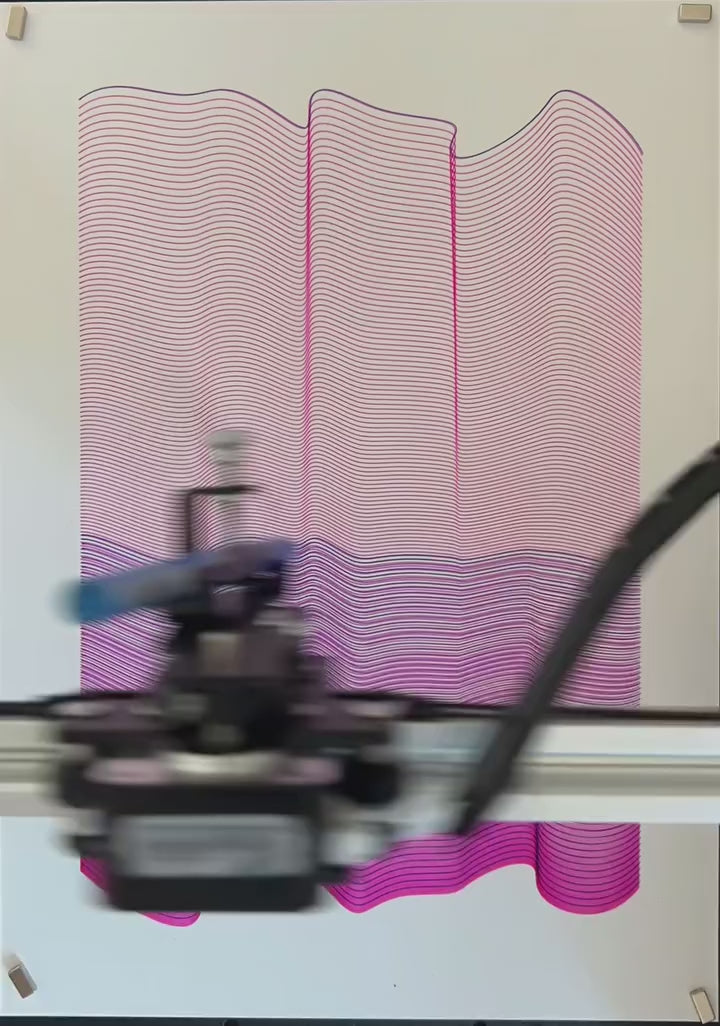
UUNA TEK Hバージョンは、最大12,000MM/MINの描画速度を実現し、競合製品を大きく引き離してゲームの常識を塗り替えます。
-
最先端のテクノロジー
Drawcore V2.0マザーボードを搭載し、GRBL互換ファームウェアを備えた、革新の頂点です。
-
再定義された精度
Y軸とX軸の両方で最小0.01mmの分解能を実現し、細部まで正確な作品を生み出せます。
-
多用途レーザー彫刻
500mWから15W出力までのレーザーヘッドから選択でき、木材やプラスチックから革や紙まで、さまざまな素材に彫刻できます。
-
直感的な操作
UUNA TEK 2.0 Controlのアドオンで、出力レベル、彫刻速度、入力形式をシームレスに管理できます。
-
使いやすい接続性
USBまたはBluetoothで接続でき、Windows 7/8/10/11以降、Mac OS、Linuxなど、さまざまなオペレーティングシステムに柔軟に対応します。
折りたたみ可能なコンテンツ
仕様
- マザーボード:Drawcore V2.0
- ファームウェア:GRBL互換
- 追加機能:UUNA TEK 2.0コントロール
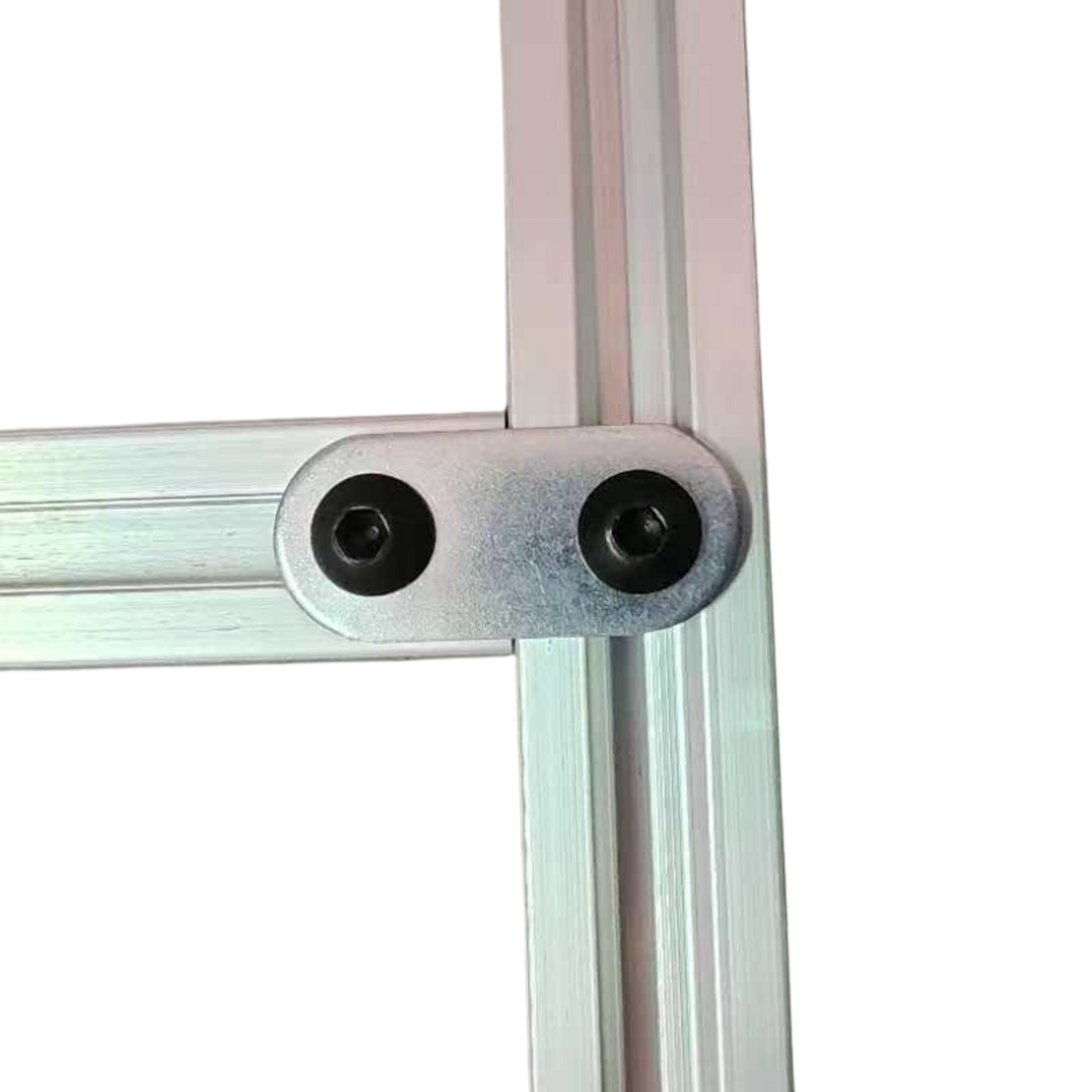
- フレーム素材:アルミニウムプロファイル+スチールプレート
- 作業エリア:420*297mm
- モーター:42ステッピングモーター×4
- 機械精度:Y:0.01 mm、X:0.01mm
- レーザー出力:500mW/1600mW/2500mW
- 彫刻エリア:420*297mm
- 波長:445±5nm
- 焦点:固定焦点
- 制御モード:PWM
- 出力レート:S0-S1,000
- 彫刻速度:0~5,000MM/分
- 描画速度:0~12,000MM/分
- ボーレート:115200~921600(デフォルト:115200)
- 入力形式:JPG、JPEG、PNG、BMP、SVGなど
- 入力電圧:110V~220V(対応)
- 電源アダプター出力:12V / 1A
- 動作温度:-20℃~50℃
- 製品サイズ:525*570*160MM
- 正味重量:4~5KG
- リミットスイッチ:Y
- ペンの調整可能角度:70~90度
- 接続:USB、Bluetooth
- 対応OSおよびソフトウェア:Windows 7/8/10/11以降(Inkscape)、Mac OS(描画・筆記にはInkscape、レーザー彫刻にはLightBurn)、Linux
荷造りリスト
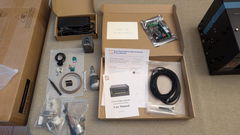
UUNA TEK iDraw H A3ペンプロッター 1台
*A3ベースプレート 1枚(オプション)
ツールキット 1セット
クイックスタートガイド 1冊
サンキューカード 1枚
ソフトウェア
Inkscapeソフトウェアと豊富なファイルをこちら>>>。からダウンロードしてください。
Windows、Mac、Linux向けのソフトウェアに加え、ハードウェアの組み立てガイドとソフトウェアのインストール方法も入手できます。
高度な機能が必要な方:
1. プロットファイルを保存する機能が必要な方は、こちらのバージョン>>>をダウンロードしてください。
2. メール差し込み機能が必要な方:
Windows:こちらのバージョン>>>をダウンロードしてください。
MacまたはLinux:こちらのバージョン>>>をダウンロードしてください。
3. レーザー機能が必要な方は、こちらのバージョン>>>をダウンロードしてください。
4. プログラミングの基礎知識があり、速度制限を解除するために元のパラメータを調整したい場合はどうすればよいですか?こちらのバージョン>>>をダウンロードしてください。
| iDraw H vs iDraw H SE – Comparison Table | ||
|---|---|---|
| Feature | iDraw H | iDraw H SE |
| Motherboard | Drawcore V2.0 | Drawcore V3.0 |
| Firmware | GRBL Compatible | GRBL Compatible |
| Software Support | Inkscape Writing, Inkscape Drawing, Lightburn for Laser | Full AxiDraw Functions + Python API + CLI |
| Connectivity | USB, Bluetooth | USB |
| Working Area | 420 × 297 mm (A3); A2/A1/A0 options available | 297 × 210 mm (A4) |
| Mechanical Precision | X/Y: 0.01 mm | X/Y: 0.01 mm |
| Writing Speed | Up to 12,000 mm/min | Up to 12,000 mm/min |
| Engraving Speed | 0–5,000 mm/min | 0–5,000 mm/min |
| Laser Power Options | 0.5W / 1.6W / 2.5W / 10W / 15W | N/A |
| Frame Material | Aluminum + Steel Plate | Aluminum |
| Pen Angle Adjustability | 70–90° | 70–90° |
| Supported OS | Windows, Mac, Linux | Windows, Mac, Linux |
| Input Formats | SVG, PNG, JPG, JPEG, BMP | SVG, PNG, JPG, JPEG, BMP |
| Power Adapter Output | 12V / 1A | 12V / 1A |
| Operating Temperature | -20°C to 50°C | -20°C to 50°C |
よくある質問
自動ホーム機能がうまく動作しないのはなぜですか?
Auto Homeの使用方法に関するヒントをご紹介します。
1. 接触スイッチのケーブルが正しく接続されていることを確認し、次のガイドに従ってください:https://www.youtube.com/watch?v=5B4nb2k6eAc2. X軸のトロリーを手動で左端まで移動させ、X軸の接触スイッチに接触するか確認してください。
3. Y軸のトロリーを手動で後端まで移動させ、Y軸の接触スイッチに接触するか確認してください。
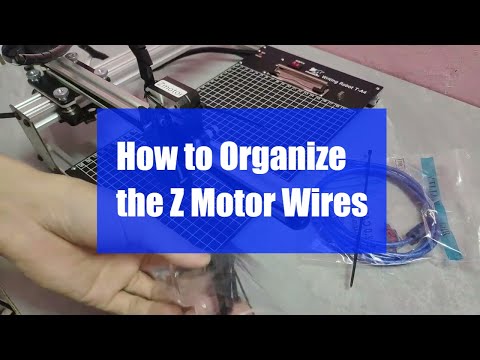
4. XYトロリーに引っかからないよう、ケーブルが適切に配線されていることを確認してください。Z軸ケーブルの整理方法については、次のガイドをご覧ください:https://www.youtube.com/watch?v=LTwPYPh3rdE
赤いボタンを押して機械が停止した場合はどうすればよいですか?作図を再開できますか?
はい、赤い非常停止ボタンを押した後でも作業を再開できます。ボタンを押すと機械が一時停止し、次の指示を待機します。再開するには:
- Inkscapeソフトウェアを開きます。
- 拡張機能メニューを開きます。
- 再開セクションを探します。
- 最初からやり直す場合は再開(ホームから)を、停止した正確な位置から続行する場合は再開(一時停止した位置から)を選択します。
👉 ヒント:図面の重複や未完成を避けるため、プロジェクトの進行状況に応じて適切な再開オプションを選択してください。
A3サイズで使いたいのに、iDrawペンプロッターはなぜ215 × 300 mmを超えるものを描画するとエラーになるのですか?
これは通常、ソフトウェアの設定で誤ったモデルサイズが選択されている場合に発生します。初期設定では、ソフトウェアが小さいモデル(A4など)に設定されていることがあり、その場合は最大プロッティング領域が制限されます。
解決するには、次の場所に移動してください:
Option → Config iDraw Model → Choose A3 size
その後、もう一度プロッティングを実行してください。正しいモデルサイズを選択すると、エラーなしでA3の全プロッティング領域を使用できるようになります。
Z軸で作動距離を調整できますか?
はい、Z軸で作動距離を0~10 mmに調整できます。
ペンを下ろしている時間は制御できますか?
はい、ペンを置く時間は制御できます。
この機械はGコードコマンドに対応していますか?
はい、Gコードコマンドに対応しています。マザーボードのファームウェアはGRBLと互換性があります。
Z軸は、約30~35 gの負荷(直径10 mm、長さ5 cmの頑丈なスチール製プローブなど)をかけた状態で、スムーズに昇降および押し付け動作を行えますか?
はい、可能です。この機械は、最大200グラム、直径最大15 mmまでの荷重に対応しています。
押すときに振動しない程度にフレームは安定していますか?
はい、H A3の重量は7 kgで、十分に安定しています。動作速度は調整可能です。
ペンをどの程度上げ下げできるかの設定を変更できるのでしょうか?
デフォルトでは、コードによってZ軸の高さが制限されています。以下の設定を画像のように調整すると、より柔軟に設定できます。
1.idraw_deps>idraw2_0internal>idraw.py
self.options.pen_pos_up と self.options.pen_pos_down の高さを、10から希望する高さ(例:30)に調整してください。
2. idraw2_0.inx
<param name="pen_pos_down" type="float" min="0.1" max="10.0" _gui-text="Pen height:DOWN, (mm):">5.0</param> の max="10.0" を、希望する高さに調整してください。
I am using the plotter from last 14 days i am loving it. Plus the guide available online make it very easy for me to set up plotter quickly. A little prob i face was it took me time to find where should i start the plot from ( few trial and error i find its top right corner ) rest everything was smooth and perfect. Thanks
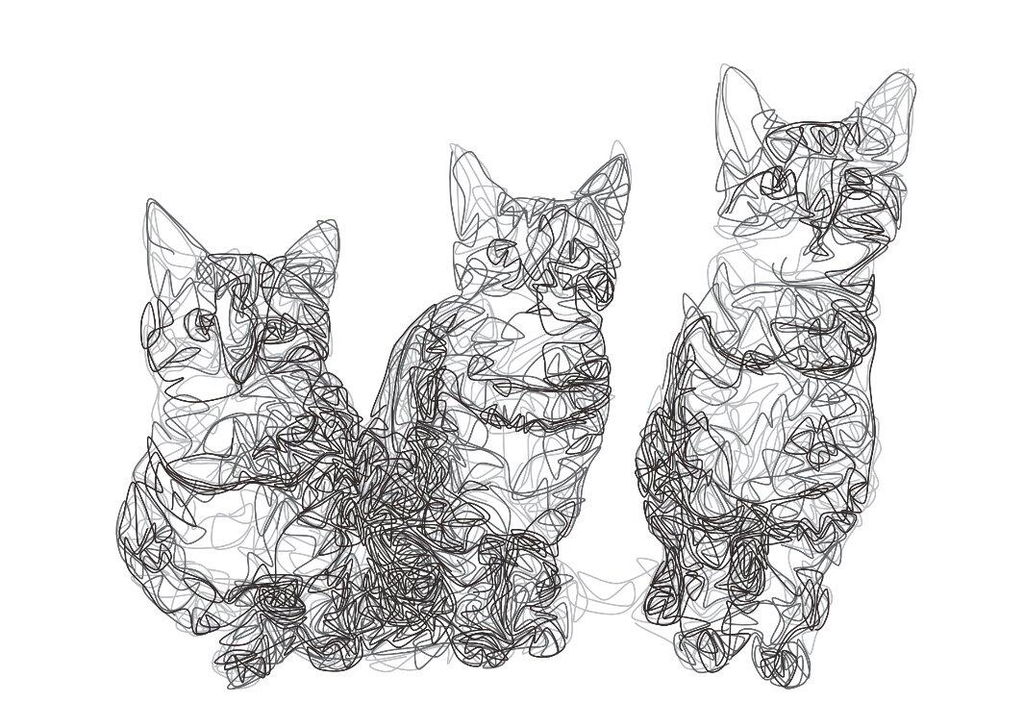
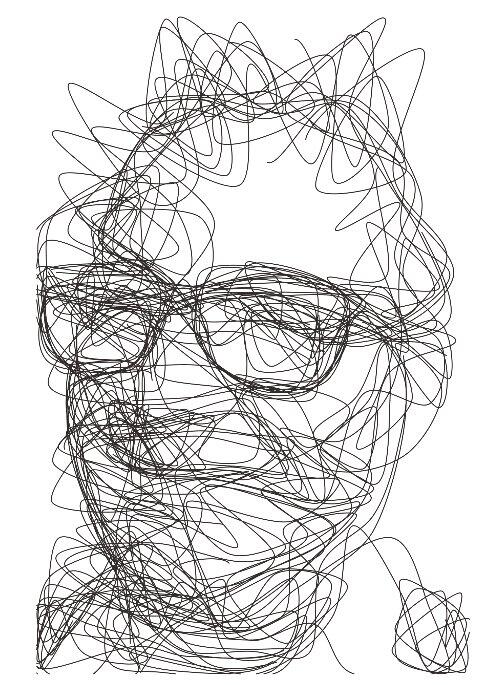
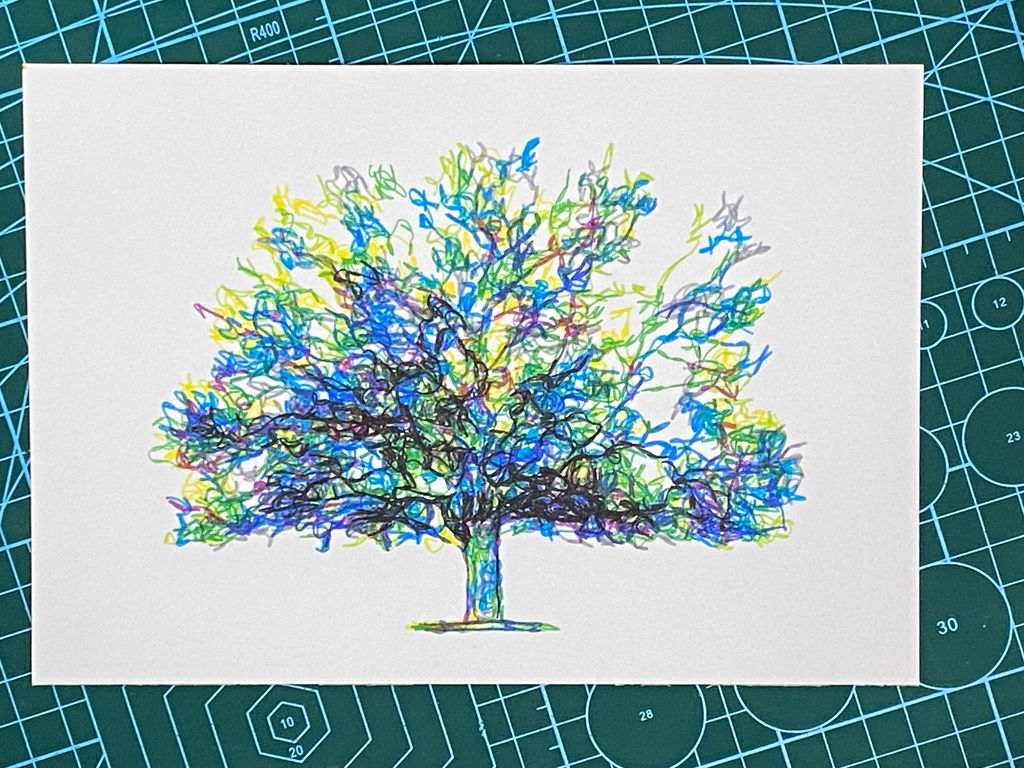
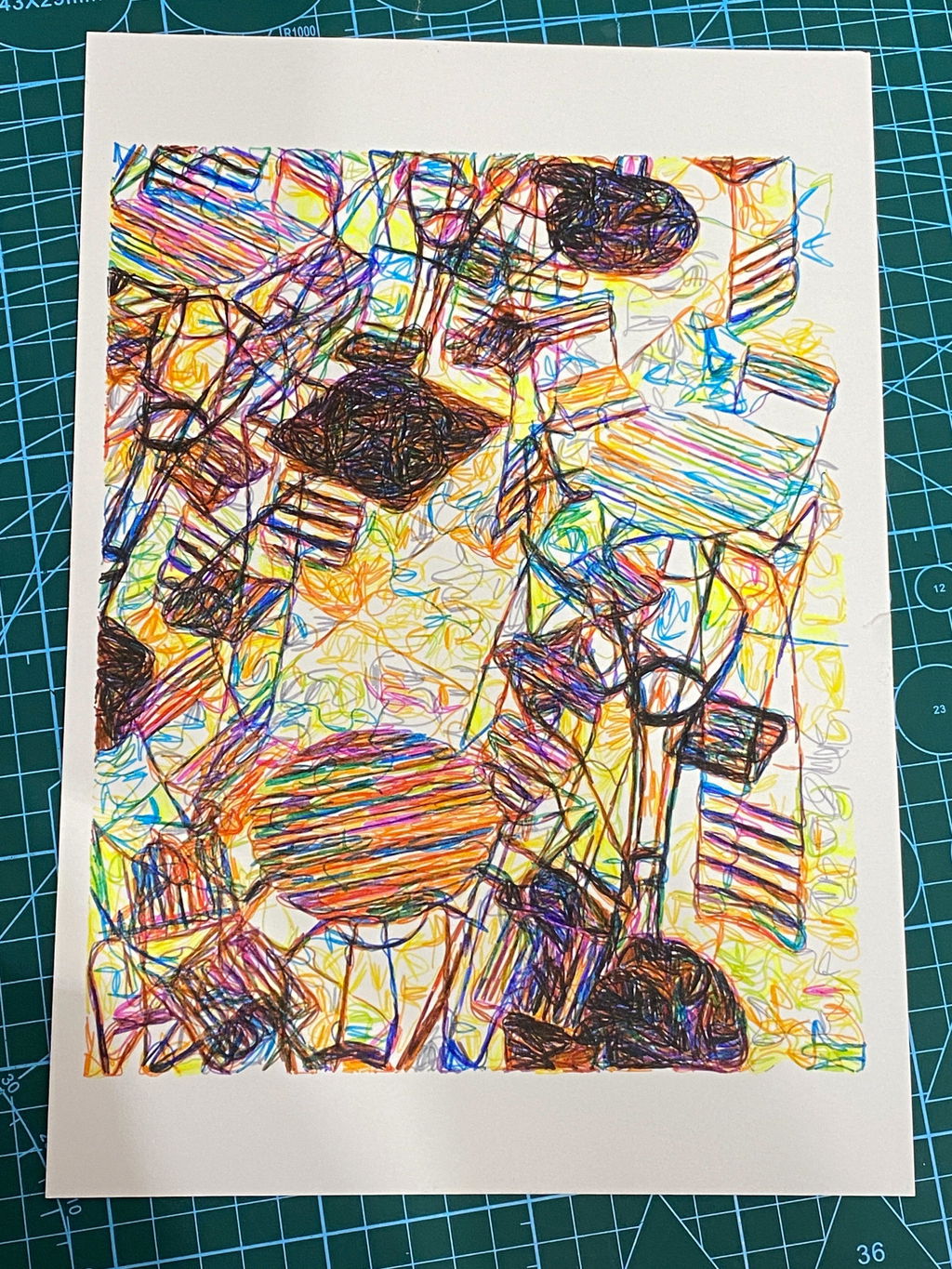
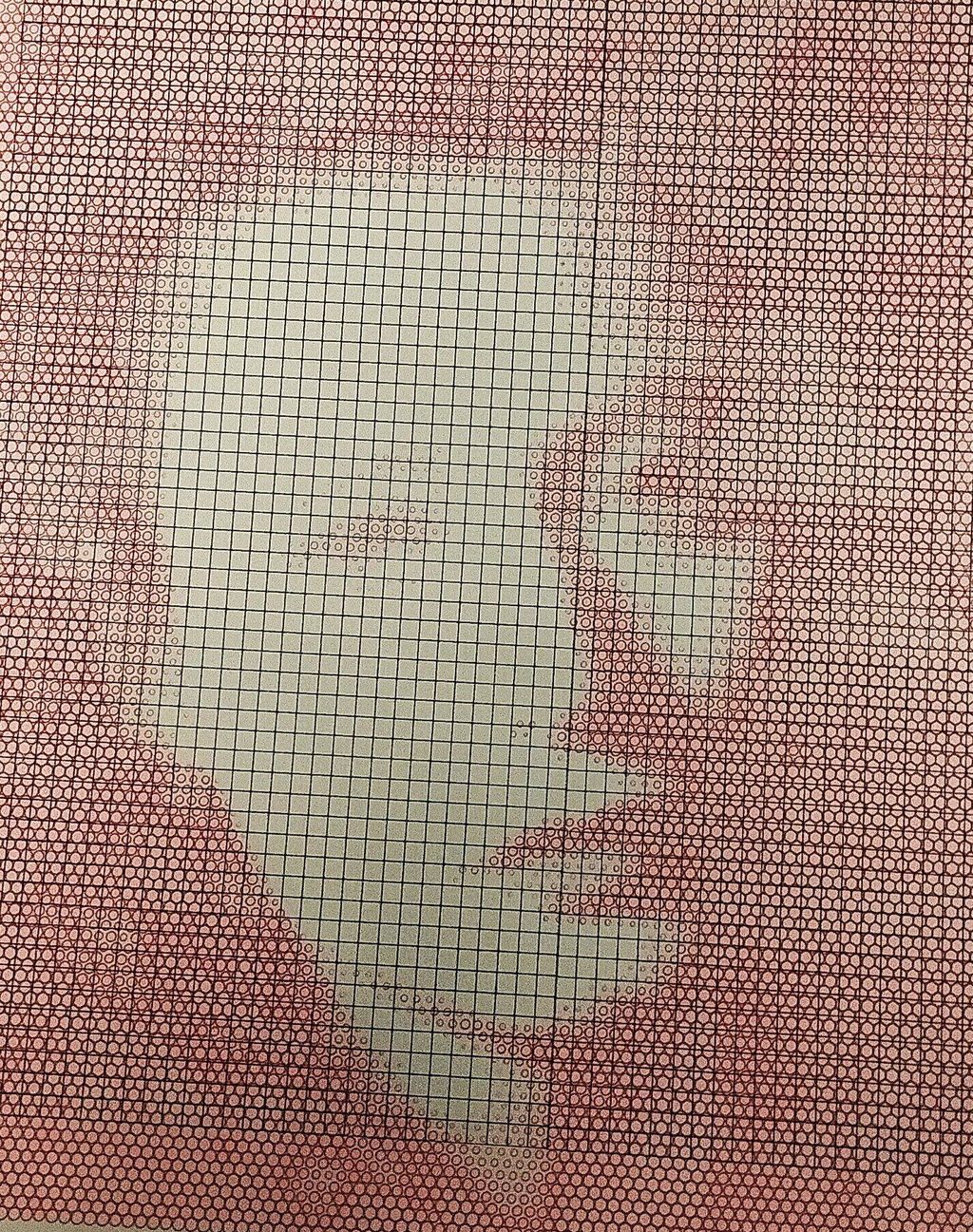
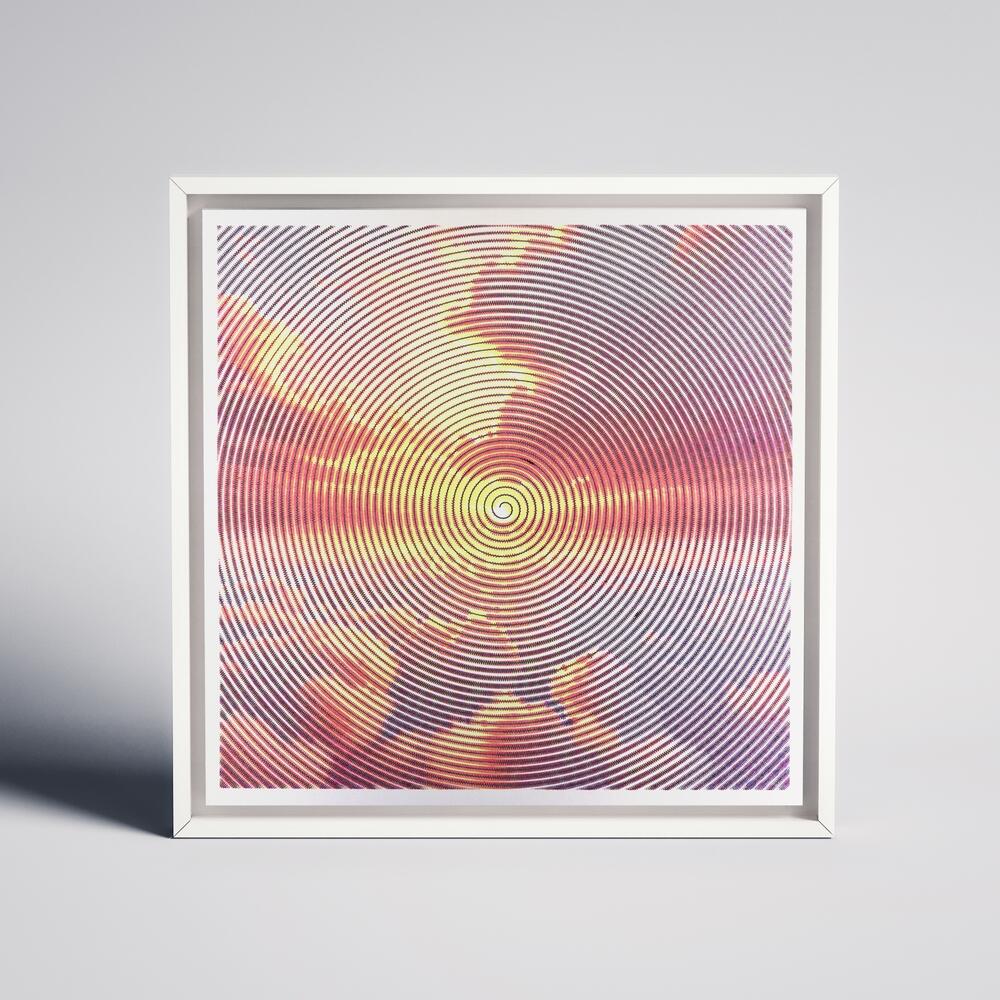
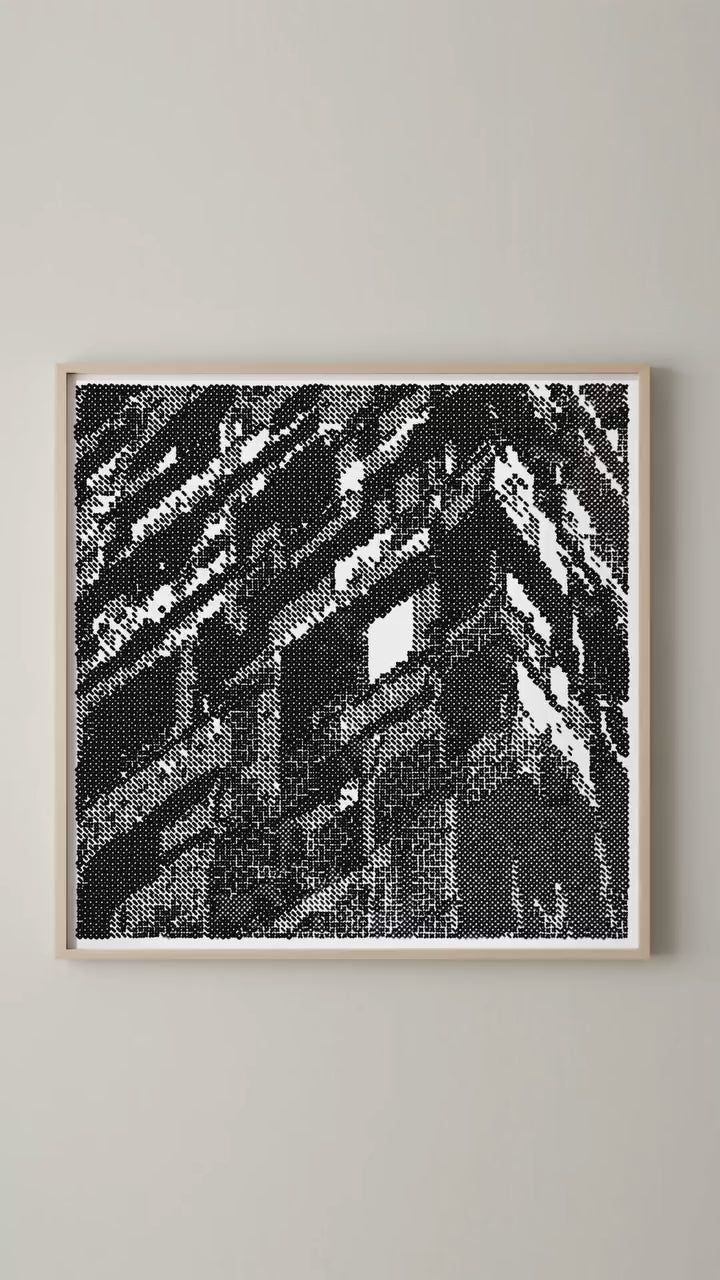
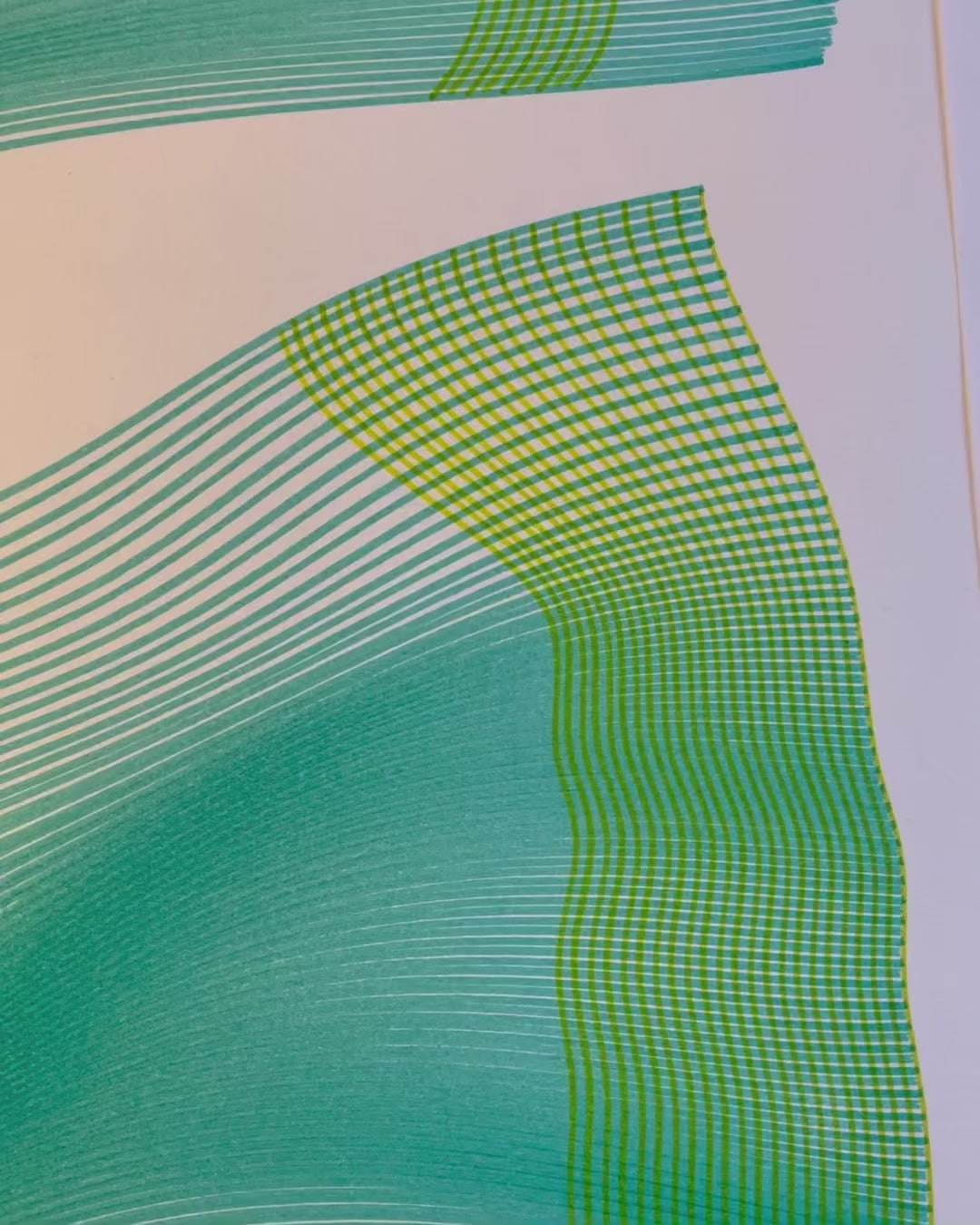
My first pen plotter the Uuna Tek H A3. I settled on this make and model after watching many videos on YouTube. Uuna Tek consistently came out looking the best so I took the plunge and pressed the buy it now button. A week later I had a large box delivered! Opening the box, it's clear the machine was well packed to withstand shipping. A "hand written" thank you card was a nice touch. Assembly was simple and straightforward. The machine is nicely designed and definitely has a quality feel to it. The software was easy to install, I used the inkscape download (with plugins pre-installed) from the Uuna Tek website. All very straightforward and simple! I've attached a couple of my first prints. I'm absolutely delighted with the machine and the quality of the plots it produces. If you, like I was, are initialising hesitating to press "buy it now" - then don't. Press that button - you won't regret it! Regards to you all from a very wet UK.
I am absolutely loving my UUNA TEK iDraw H A3 Pen Plotter! I have been using it every single day since I got it. One of the best things about it was the setup process. It was incredibly easy to assemble and get running right out of the box. The instructions were clear, and I didn't run into any issues at all.
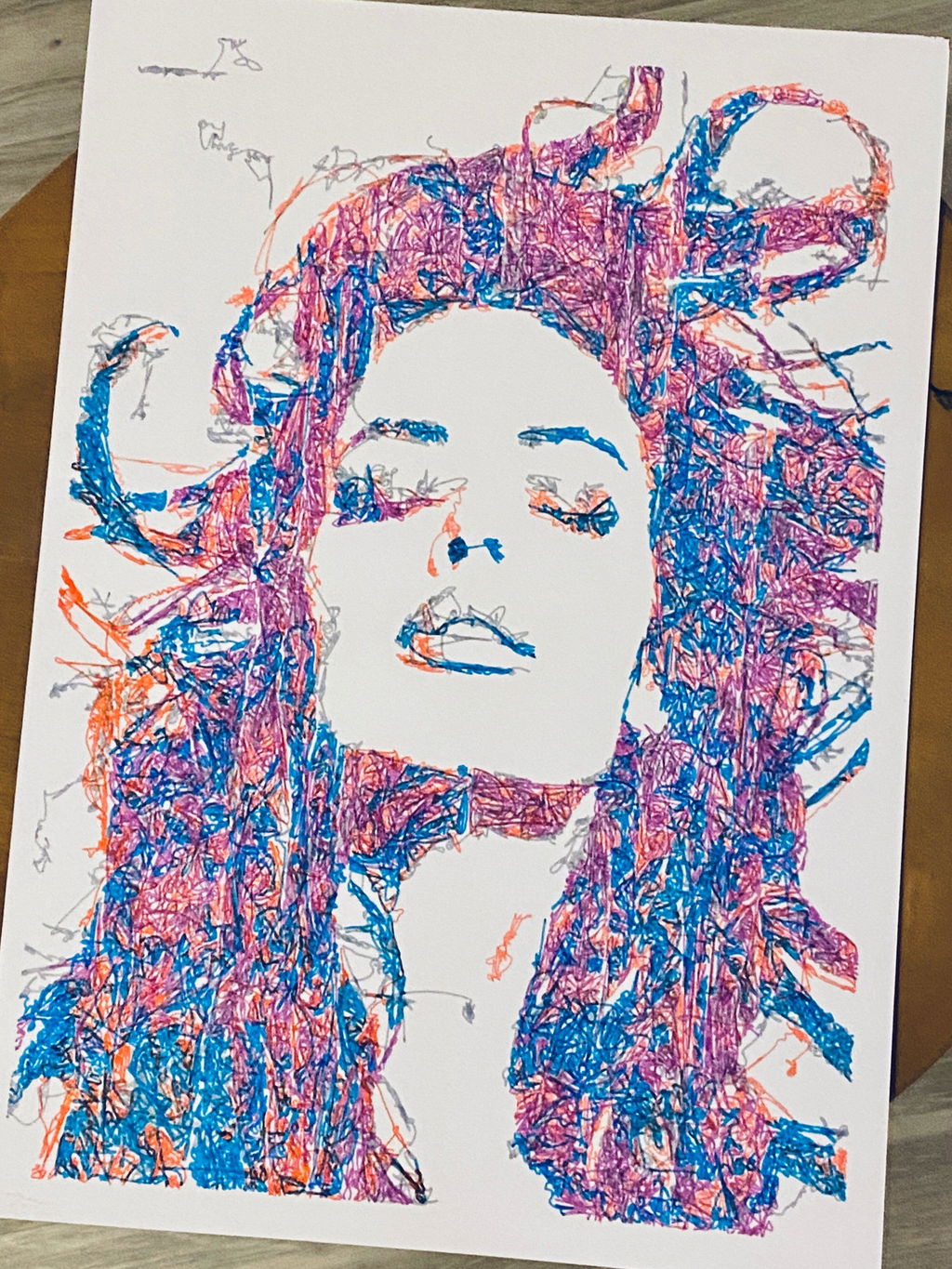
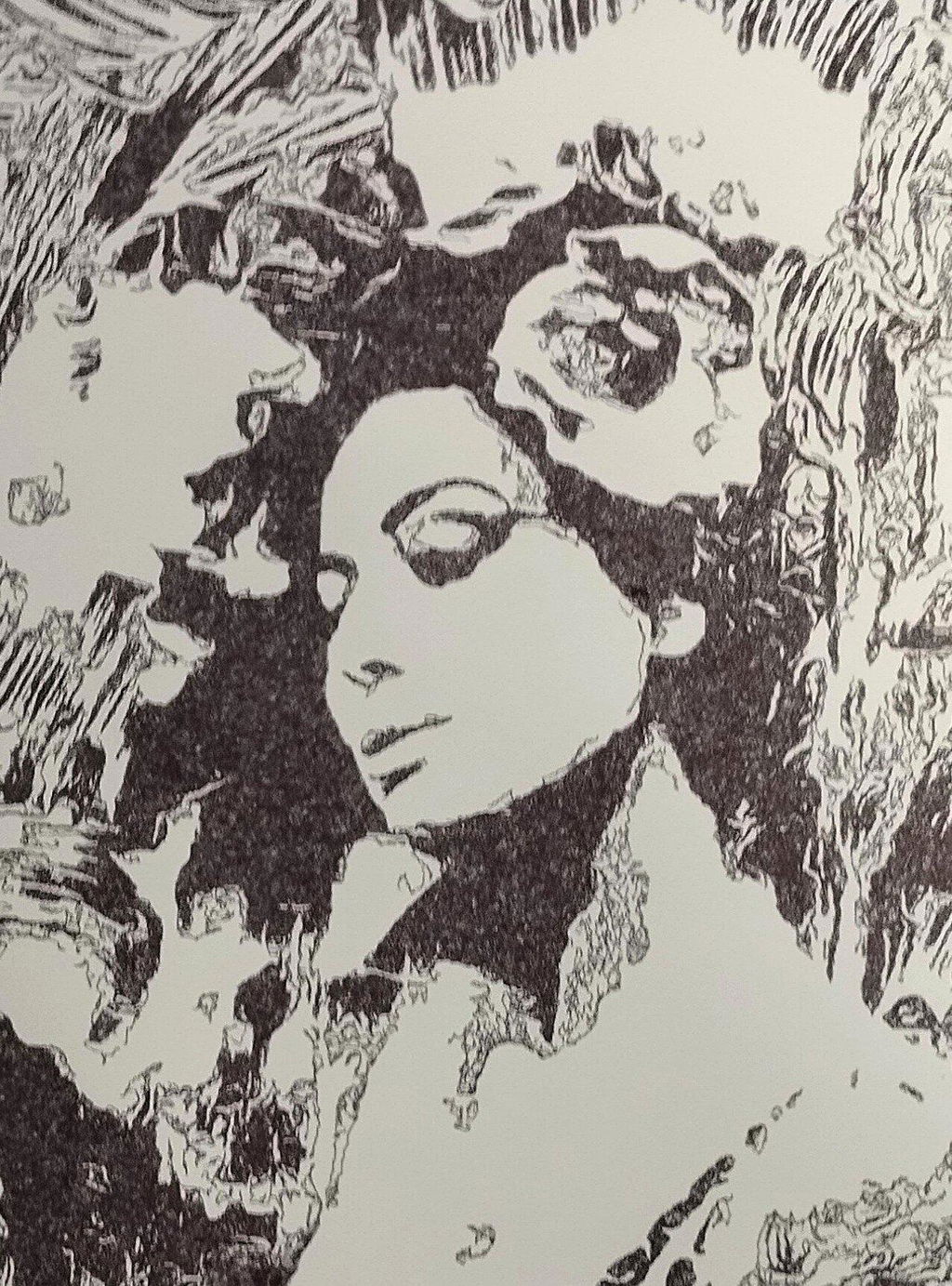
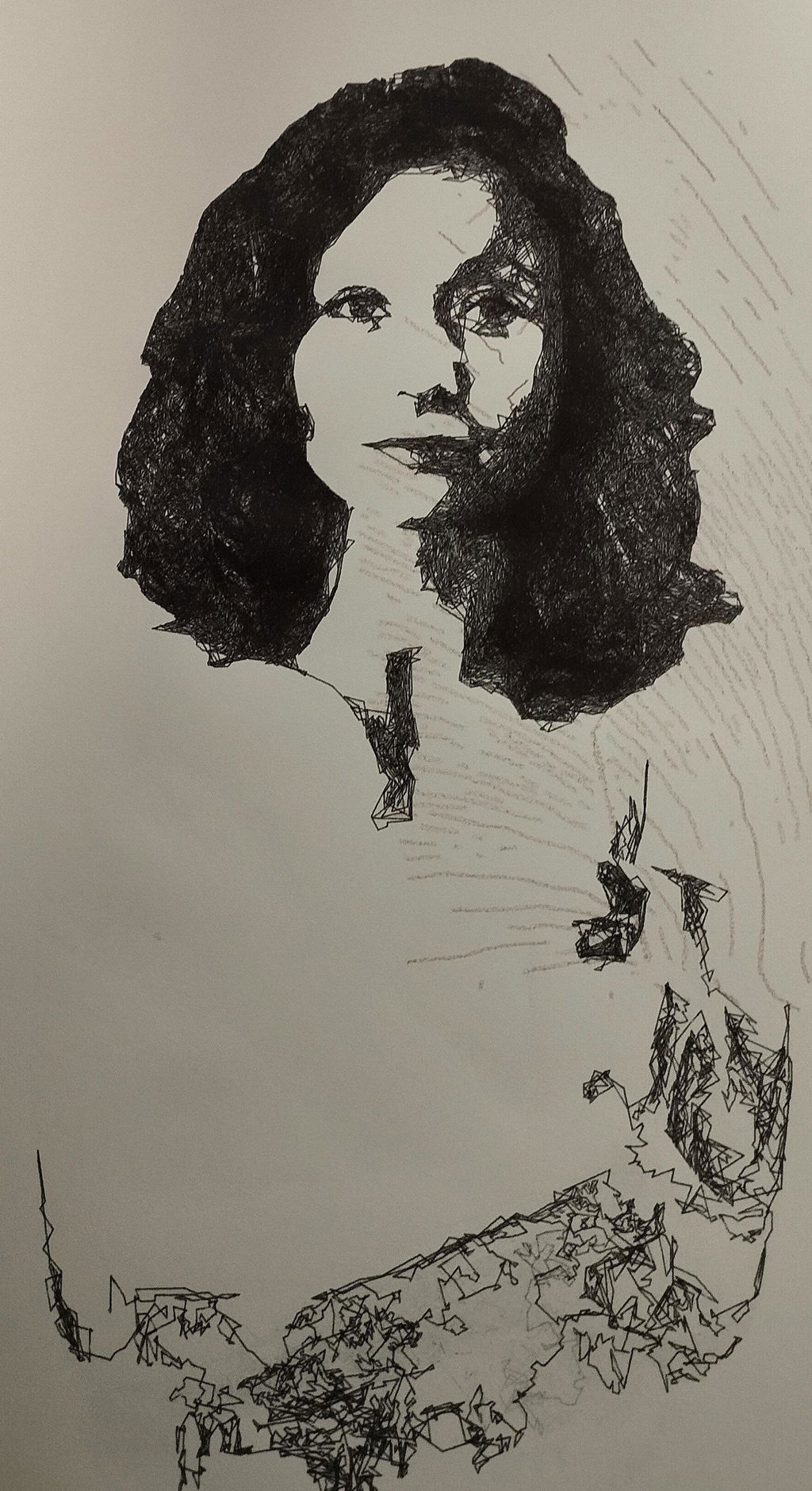
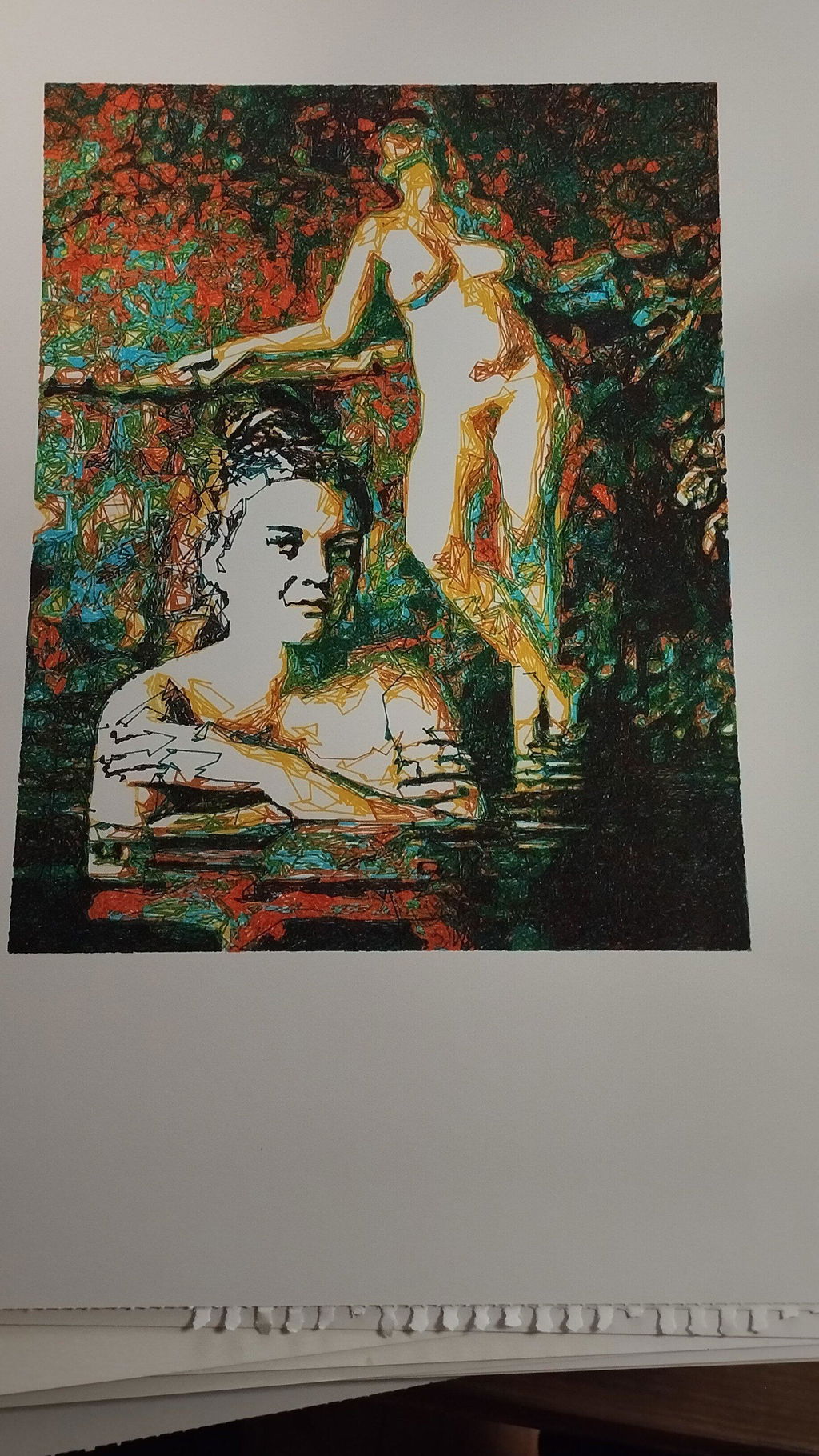
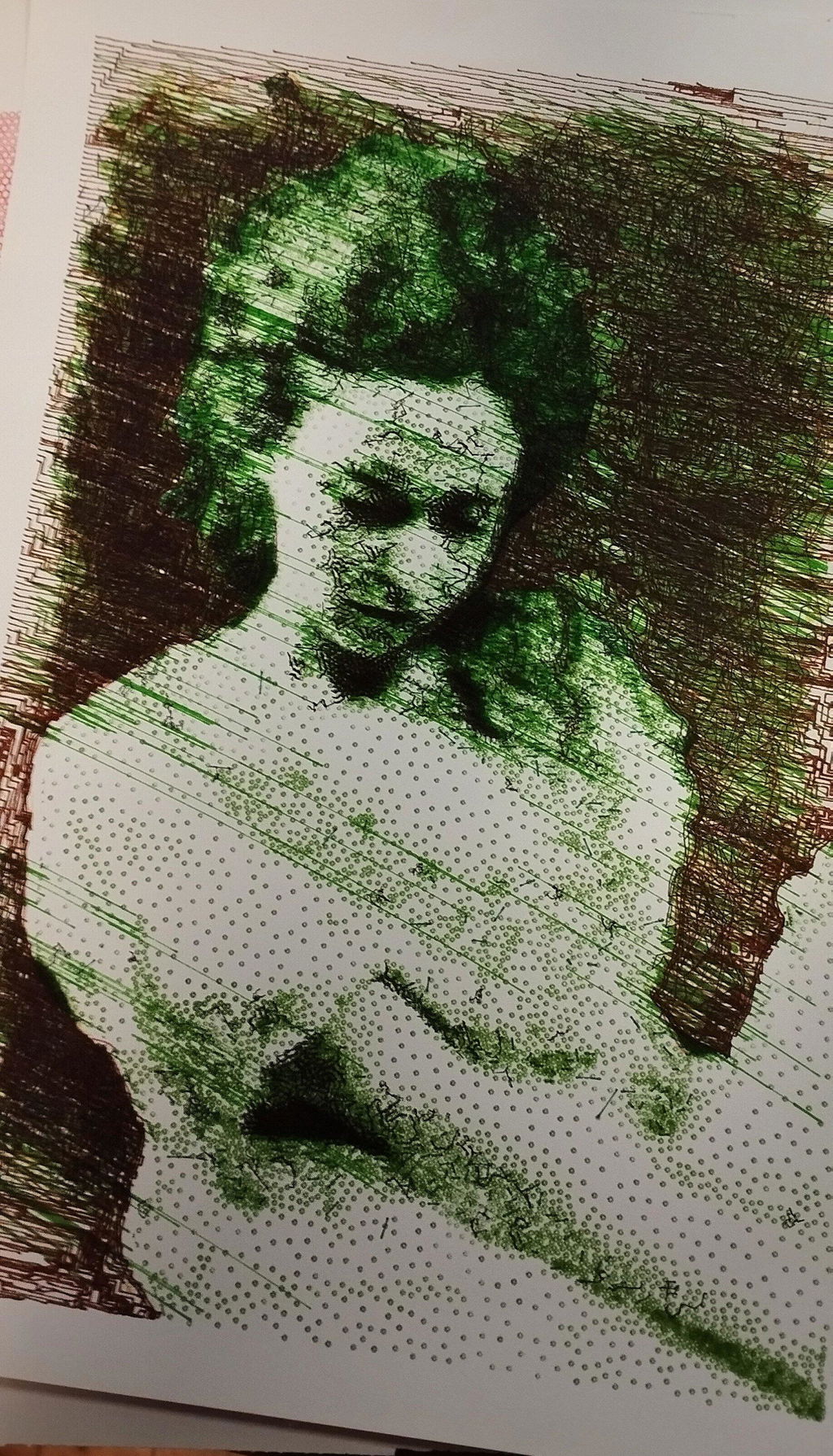
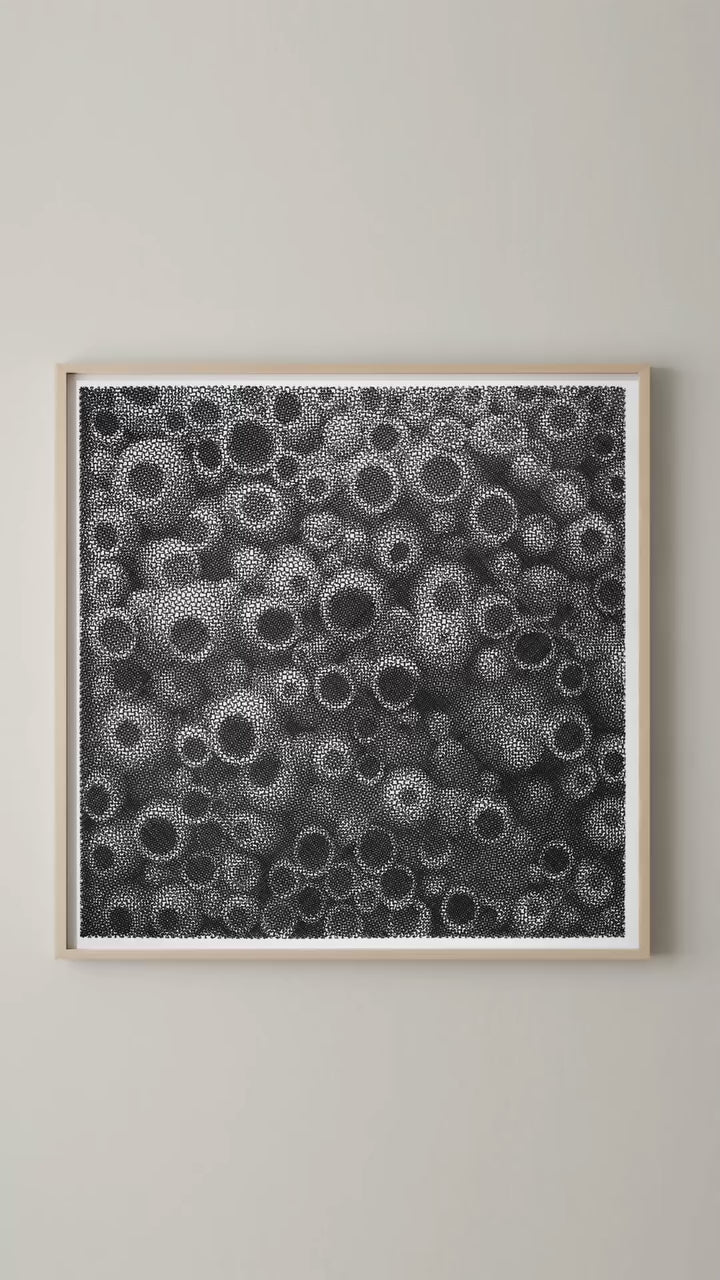
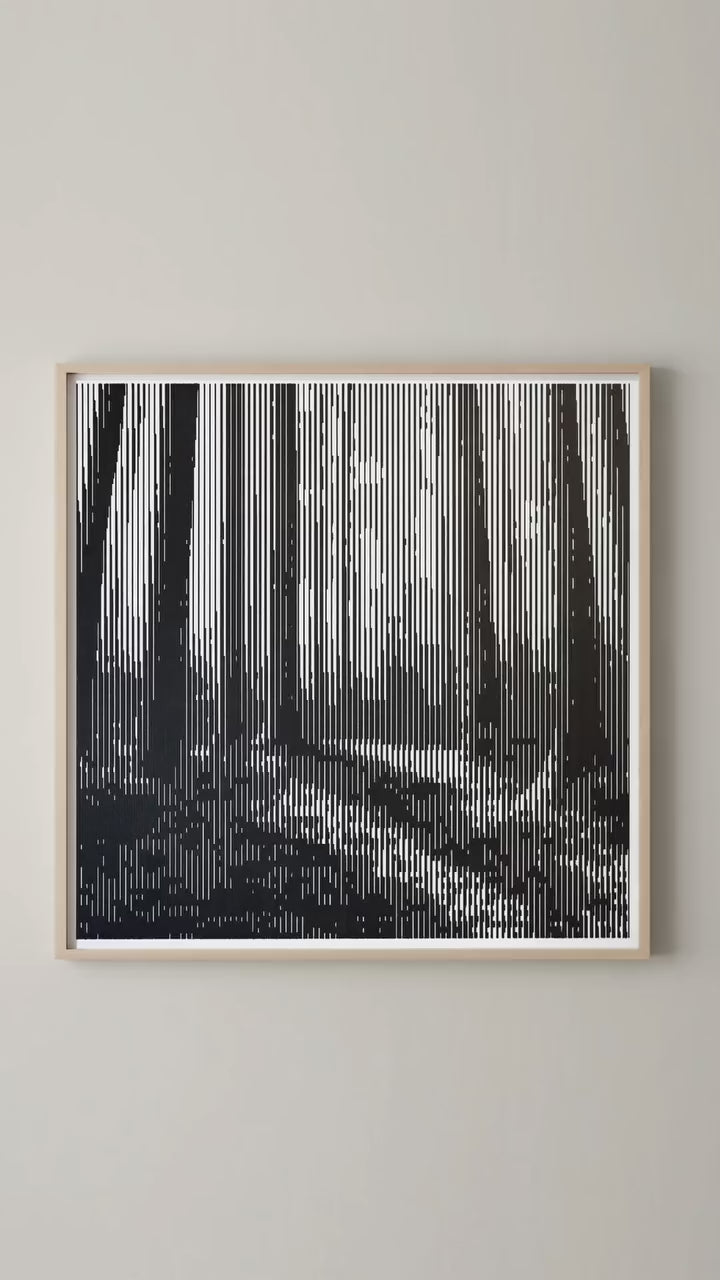
I'm attaching a few pictures of the projects I've created with this plotter so far. It's a fantastic tool and I highly recommend it!
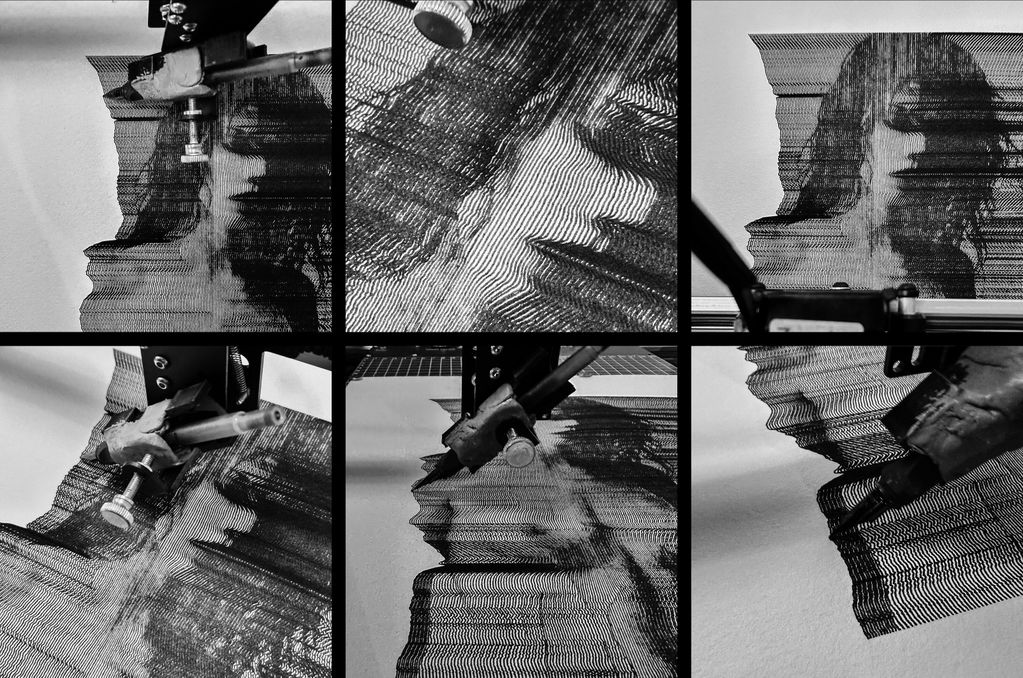
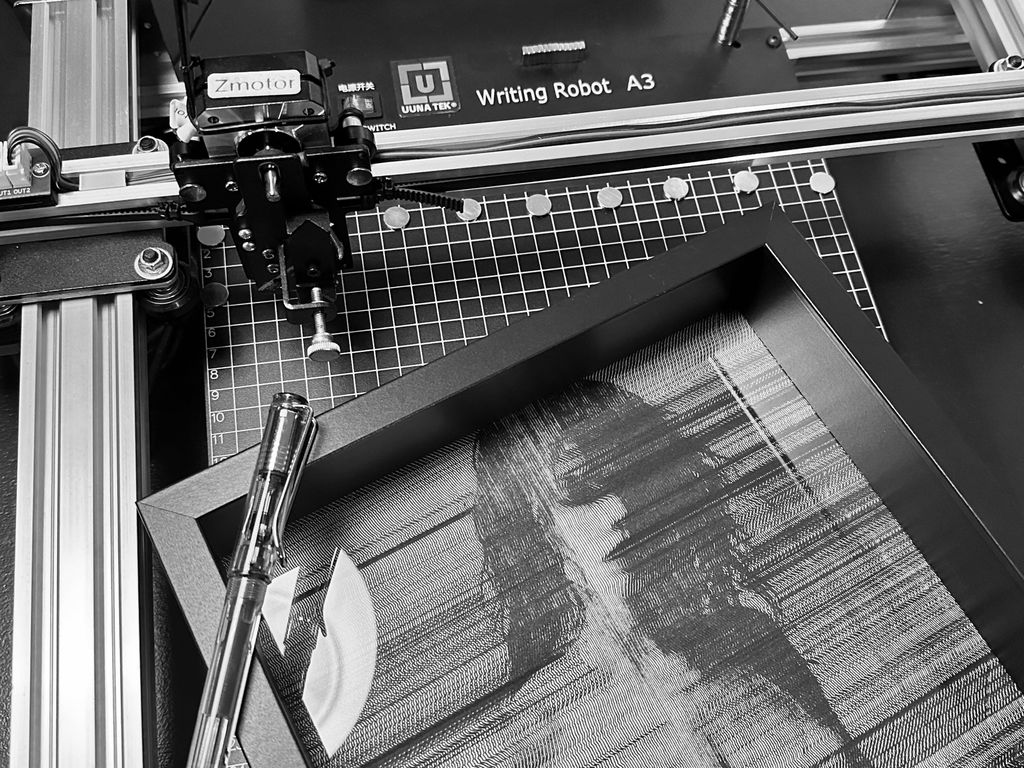
My UUNATEK Writing Robot A3 is pure creative joy packed into a precise little powerhouse. It’s extremely fun to use, surprisingly versatile, and after following a clear tutorial on the UUNATEK website to set up CNCjs on a Raspberry Pi, I now run my iDraw as a fully wireless pen plotter.
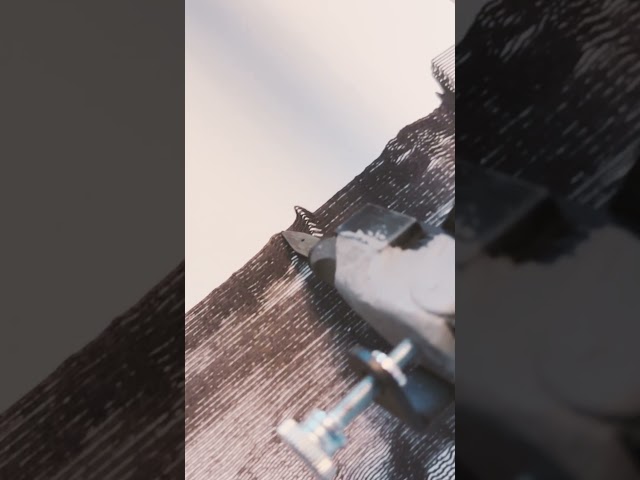
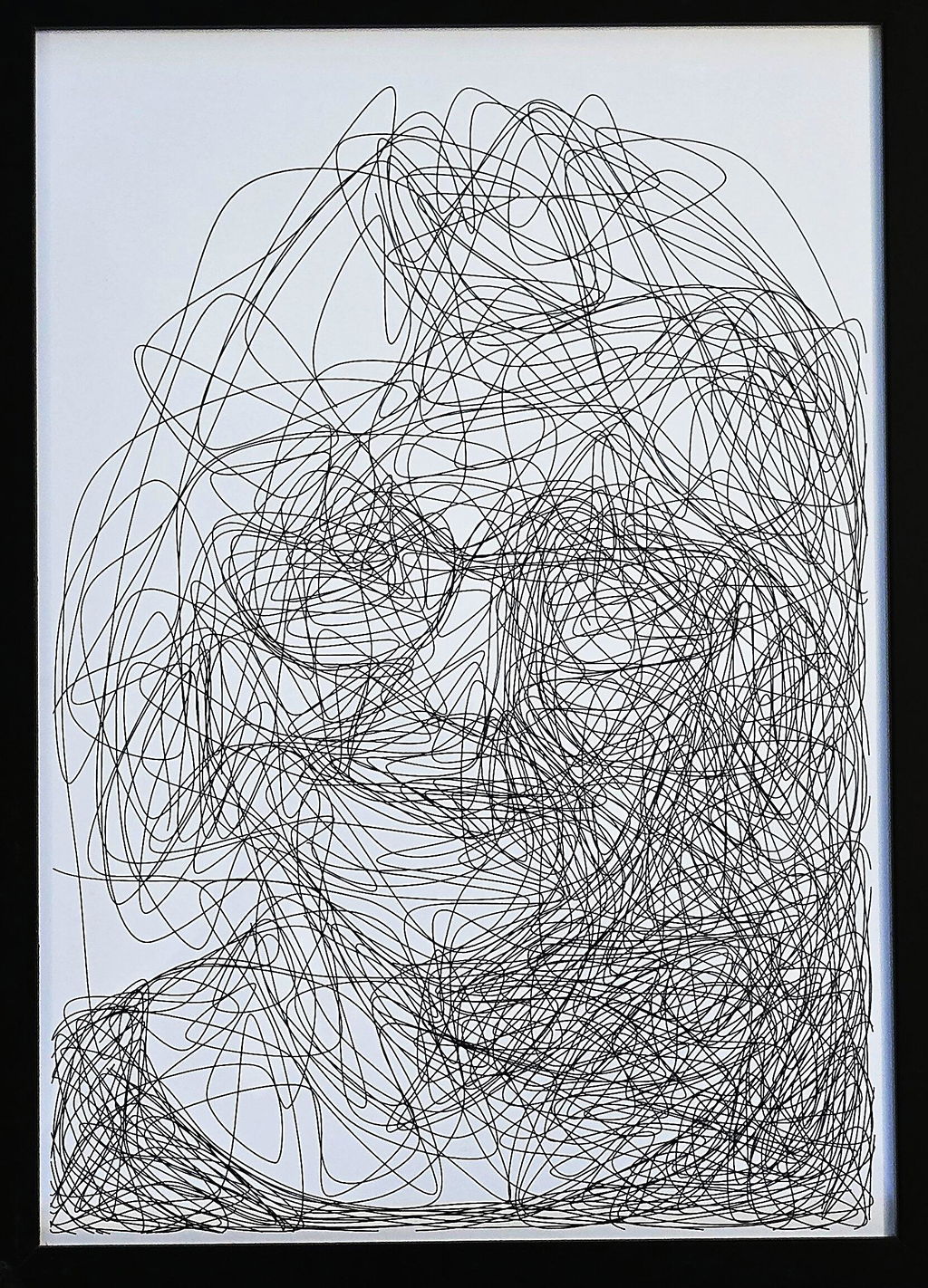
I use this machine to create fast, razor-sharp line-art portraits with a Lamy pen, and the speed and accuracy are impressive. For me, this machine feels like a perfect extension of my studio. It translates digital intention into tactile and expressive drawings. A brilliant bridge between my art and ink.
The product is easy to use. By carefully following the manufacturer's instructions, I was able to install the Inkscape plugin easily. Assembling the plotter is straightforward, but precisely adjusting the baseplate can be tricky. I managed to reduce the unevenness to within +/- 0.1 mm by manually bending the baseplate. I found that if the deviation exceeds this limit, the lifespan of the fine liner pens is significantly shortened because their tips wear down more quickly where the baseplate has a "bump". Therefore, it is recommended to level the plate before using it for the first time.
The plotter is user-friendly, and configuring its operating parameters is simple. At high speeds, the lines may become slightly wavy; however, this issue can be easily resolved by reducing the speed. The device provides a good estimate of the plotting time, making it easier to decide if slower plotting is acceptable.
The home function allows for precise positioning of the pen tips, and you can change the pen several times while working on a drawing. It is very helpful that only select layers can be plotted from the Inkscape drawing.
Overall, I am very satisfied with this product. After carefully setting up the device, one can create highly detailed and precise plots.
Reviews in Other Languages
Super eficaz!
Le prix des traceurs est un facteur essentiel à prendre en compte pour votre décision d’achat. Ne faites pas comme moi : j’avais commencé avec un petit traceur A4 bas de gamme (120 $, en pièces détachées à monter soi‑même). Avec cette machine, je ne pouvais à peine tracer des formats A5 alors qu’elle était censée gérer du A4. J’avais sans cesse des problèmes de calage, la précision laissait à désirer, et trop légère, elle bougeait au moindre mouvement. De plus, elle ne prenait pas en charge les fichiers SVG directement : il fallait passer par un encodage en G-code, un vrai parcours du combattant pour réaliser un dessin. Le résultat était le plus souvent frustrant.
Puis j’ai découvert l’iDraw H A3. Je me suis retrouvé face à une machine totalement différente, bien plus qu’un simple plotter : elle était capable de transformer mes photographies et mes dessins en tracés physiques, précis et vivants. J’étais comme propulsé dans une nouvelle dimension créative. C’était le début d’un chemin où le numérique, la mécanique et l’expérimentation artistique se rejoignent pour former un véritable terrain de jeu et d’exploration.
Cette expérience m’a montré que l’investissement dans une machine de qualité comme l’iDraw H A3 est essentiel. Elle permet non seulement de travailler avec précision et sur de grands formats, mais surtout d’avoir la liberté de se concentrer sur la création et l’exploration artistique, plutôt que sur les problèmes mécaniques. Un investissement qui peut sembler élevé au départ, mais qui se traduit par un gain énorme de temps, de sérénité et de plaisir créatif.
Since working with an Idraw H A3, I have nothing but praise to give to Uuna Tek for their work. It works all the time, every day, always precise, silent and so fast! Super easy to learn, even for beginners, and excellent support. I had already installed the software part and once unboxed, I made my first drawing in a few minutes. THANKS
Depuis que je travaille avec une Idraw H A3, j'ai seulement des éloges à faire à Uuna Tek pour leur travail. ça fonctionne tout le temps, tous les jours, toujours précis, silencieuse et tellement rapide! Super facile à prendre en main, même pour les débutants, et excellent support. J'avais déjà installé la partie logiciel et une fois déballée, j'ai fait mon premier dessin en quelques minutes. Merci